Best AI UI/UX Design Tools That Actually Speed Up Your Workflow (2026)
AI is changing how UI/UX designers work at every stage — from the first wireframe to the final handoff. These tools don’t replace your design thinking. They eliminate the repetitive parts: rebuilding components, resizing layouts, generating copy variants, translating Figma files to production code. We’ve tested 40+ AI UI/UX tools and listed only the ones that hold up in real client projects. Sorted by use case, not alphabetical order.
No-code website builder that allows you to design and launch websites directly
Generate UI designs from prompts
AI-powered UI design for fast and easy mockups
Design with Code that Renders as UI
AI-powered browser extension assistant designed to summarize, analyze, and answer questions
AI-powered prototyping tool to design, wireframe, and test interactive products.
Full-Stack Design with AI
Automates UI components, layouts, and design
Design Faster with Millions of Creative Assets
AI‑assisted design & prompt‑to‑code within Figma
Create beautiful websites without code
Build custom applications with an AI assistant that can generate and structure
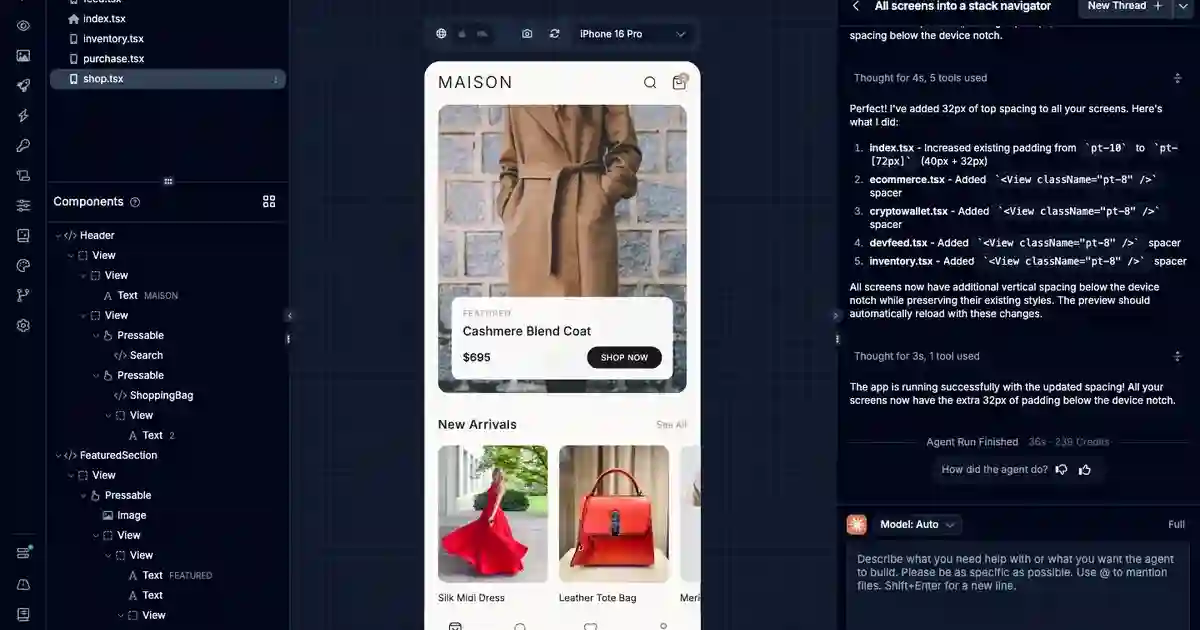
Build native mobile apps with AI agents using production-ready React Native code
Create. Code. Publish. Together.
AI-powered UI/UX tool to design web and mobile interfaces instantly.
AI Design Platform to turn ideas, screenshots, and files into editable designs
Collaborative digital whiteboard for mapping user flows, mind maps, and product plans.
Software studio · Web · Mobile · AI
Worth exploring us? Bookmark! so you don't forget the URL.
Stop testing random tools. 320+ AI tools for UI, branding, 3D, motion, illustration and more — curated and reviewed by designers who use them daily.
Frequently Asked Questions About AI UI/UX Design Tools
AI-Powered Design Tools for Creative Workflows, Layout & Prototyping
What is the best AI tool for UI/UX design?
The best AI UI/UX design tool depends on your stage in the design process. For wireframing, Visily and Uizard are the most-used tools by UI designers. For design within existing workflows, Figma AI is the strongest choice since it integrates directly into your Figma workspace. For design-to-code, Locofy and Quest AI lead the field. For component generation, Relume AI (for web) and Aceternity UI (for React) are top picks. Our full list of 40+ tools is sorted by use case — browse by what you’re trying to accomplish, not by tool name.
Can AI tools replace UI/UX designers?
No — but they’re changing what the job looks like. AI tools handle the repetitive, execution-heavy parts of UI/UX work: resizing for multiple breakpoints, generating content variants, building boilerplate wireframes, converting designs to code. The creative and strategic parts — understanding user needs, making design decisions, validating with real users — still require a designer. The best UI/UX designers in 2026 are the ones who’ve learned which AI tools save them the most time without introducing new problems (like unclean code output or inaccurate auto-layouts).
What AI tools do UX designers use most often?
Based on community surveys and our own team’s usage, the most commonly used AI tools among UX designers are: Figma AI (for in-context assistance while designing), ChatGPT / Claude (for UX writing, user research synthesis, and persona development), Whimsical AI (for user flow mapping), Maze AI (for automated usability testing analysis), and Visily (for reference-to-wireframe conversion). Outside pure UX tools, many UX designers also use Midjourney or Adobe Firefly for mood boards and concept visualization.
Are there free AI tools for UI design?
Yes. Free options for UI design include: Figma (free tier covers most personal projects), Visily (free tier for limited projects), Whimsical (free for basic use), Uizard (free plan available), Framer (free for one published site), Aceternity UI (open-source components), and Haikei (completely free SVG background generator). Most tools on this list have a free tier — filter by “Free” in our directory to see all options.
What’s the difference between a UI design tool and a UX design tool?
In practice, most modern tools cover both. UI tools are focused on visual output: layouts, components, color, typography, and handoff to developers. UX tools are focused on process: user research, journey mapping, information architecture, usability testing, and wireframing. Tools like Figma, Sketch, and Adobe XD sit in both camps. AI-specific tools are trending toward the same convergence — Visily converts a reference screenshot into a UI wireframe (UI-focused) while Whimsical AI helps you map the flow behind it (UX-focused).
How do AI wireframing tools work?
AI wireframing tools accept different types of input depending on the tool: Text prompt → wireframe: You describe the screen (“a user profile page with avatar, bio, and follower stats”) and the tool generates a wireframe layout Screenshot/image → wireframe: You upload a reference screenshot and the tool recreates its structure as editable components (Visily does this well) Hand-drawn sketch → wireframe: You draw a rough layout on paper, photograph it, and the tool converts it to a digital wireframe (Uizard’s strongest use case) Template → customized layout: You start from a template and let AI adjust it based on your content Most tools let you export the output directly to Figma for further refinement.
What is the best AI tool for converting Figma designs to code?
The top tools for Figma-to-code conversion in 2026 are: Locofy.ai (best for React and Next.js output), Quest AI (strong for React Native), Anima (good for HTML/CSS output with developer annotations), Builder.io (strong for Visual CMS integration), and Figma’s Dev Mode (native Figma feature for clean code inspection). The quality of output depends heavily on how well your Figma file is organized — named layers, proper auto-layout, and a consistent component structure will produce significantly cleaner code than a messy file.
How accurate are AI UI generation tools?
AI UI generation tools have improved dramatically since 2023, but accuracy varies by tool and use case. For layout generation, tools like Relume AI produce clean, logical section structures for marketing pages. For component generation, the output is usually a good starting point but requires manual refinement — especially for complex interactive states. For design-to-code, accuracy depends almost entirely on how structured your Figma file is. As a general rule: use AI to generate at 70–80% quality, then apply your design judgment to get to 100%.
Get New AI design tools Update in your inbox, every Monday.