Best AI Interior Design Tools for Room Planning, Renovation Visualization & Staging (2026)
Interior design decisions used to require expensive consultants, physical staging, or months of renovation work before you could see the result. AI interior design tools have changed that — you can now visualize a complete room transformation in under a minute, from a single photo. Whether you’re a professional interior designer, an architect, a real estate agent staging a property, or a homeowner planning a renovation — these tools let you experiment with layouts, materials, and styles before committing to anything physical. We’ve tested 20+ AI interior design tools and identified the ones that produce genuinely useful output for professional and consumer contexts alike.
Transform Your Creative Ideas with AI
AI website builder to go from a prompt to a business-ready website
Collaborative digital whiteboard for mapping user flows, mind maps, and product plans.
Visual website builder and developer platform to design, build, and launch custom
Animate static characters into dynamic motion
Magical AI picture generator that draws custom anime characters
Turn sketches into product concepts and realistic design renders
AI-driven animation for games and motion
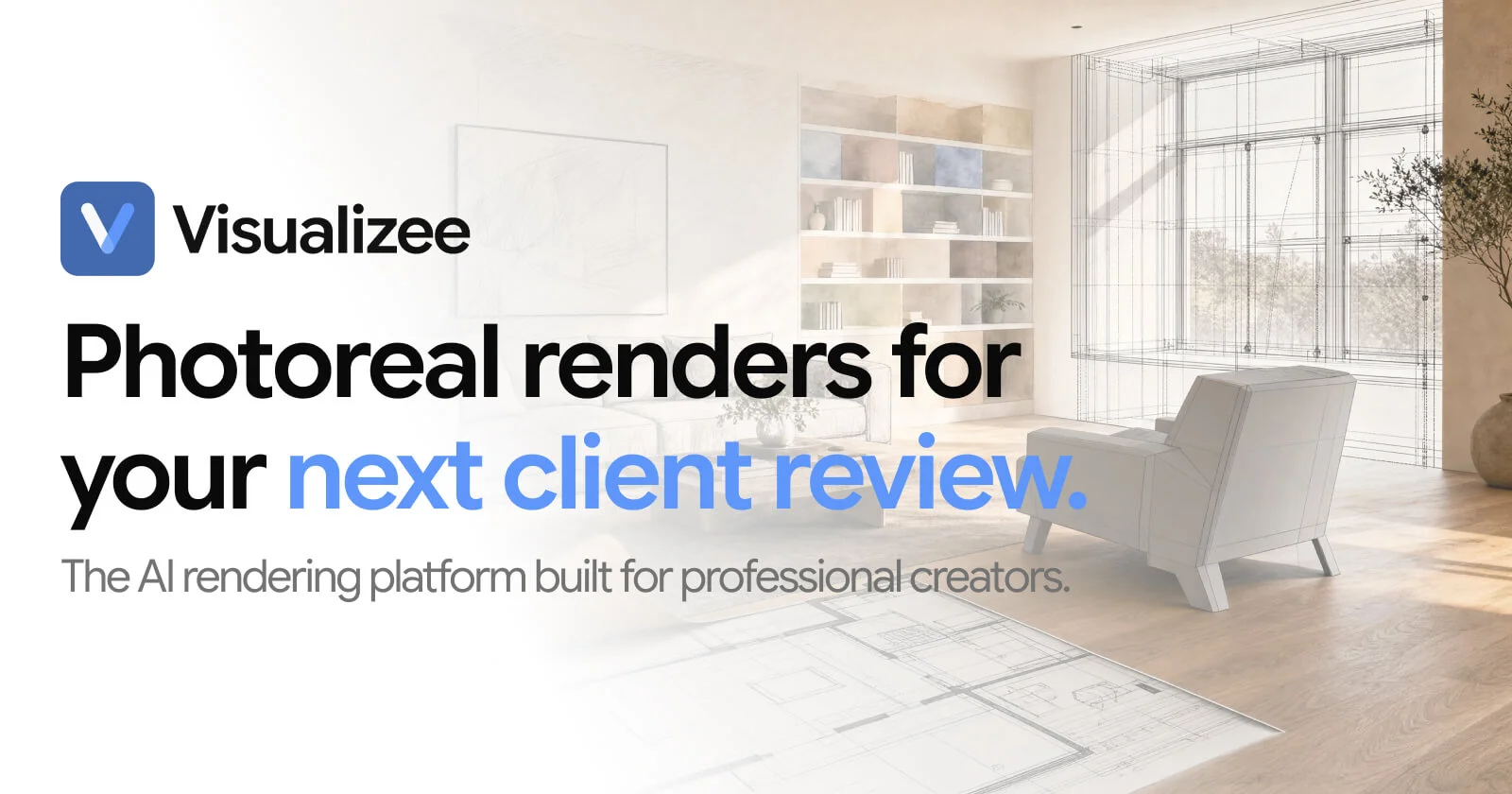
An AI rendering platform that generates photorealistic 3D interior design concepts.
Generate design from photos or sketches
Turn text, links, or images into share‑ready visuals
Versatile Imaging SegmenTation and Annotation Foundation Model
Create animated, data-rich presentation visuals
UI design made simple with AI-powered magic.
The Ultimate AI Creative Studio for Any Use
AI renders directly from your models
Free Infographic Maker and Design Platform
Trace Pixels To Vectors in Full Color
Worth exploring us? Bookmark! so you don't forget the URL.
Stop testing random tools. 320+ AI tools for UI, branding, 3D, motion, illustration and more — curated and reviewed by designers who use them daily.
Frequently Asked Questions About AI Interior Design Tools
AI-Powered Design Tools for Creative Workflows, Layout & Prototyping
What are the best AI interior design tools in 2026?
The best AI interior design tools in 2026 are: Spacely AI (most versatile for professional interior designers — generates photorealistic style variations from a room photo), Decor8 AI (strong render quality for client presentations), newinterior.ai (purpose-built for real estate virtual staging), Collov AI (excellent for generating multiple furnished room variations), and HomeDesignsAI (best for rapid style exploration and homeowner use). Our full list of 20+ tools includes options for every use case from professional design projects to DIY home renovation planning.
Can AI redesign a room from a photo?
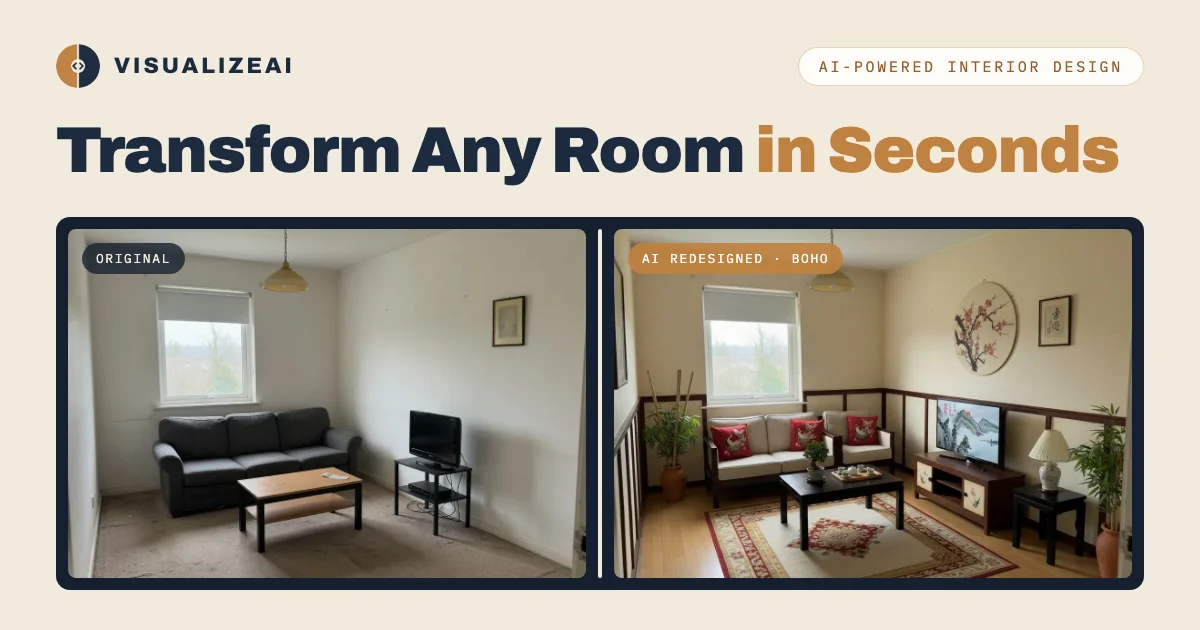
Yes — this is the core capability of most AI interior design tools. The typical workflow is: (1) upload a photo of your room, (2) select a style, color palette, or furniture preference, (3) the AI generates a redesigned version of your actual space. Tools like Spacely AI, Decor8 AI, and Interior AI handle this extremely well for living rooms, bedrooms, and kitchens. Quality varies for unusual spaces, rooms with complex natural lighting, or interiors with strong existing architectural details. The best tools produce results detailed enough to show to clients or use as renovation direction.

Is there a free AI interior design tool?
Yes. Free AI interior design tools include: Interior AI (free tier with limited renders), HomeDesignsAI (free tier available), Collov AI (free credits on signup), Visualizee (free basic plan), and RoomGPT (free, browser-based room redesign). For homeowners and casual users, free tools are often sufficient. For professional interior designers who need high-resolution renders, client-presentation quality, and volume capacity, paid plans are generally necessary. Our directory lets you filter by pricing to see all free options.
How do AI interior design tools work?
AI interior design tools use a combination of image generation models (typically Stable Diffusion or similar diffusion models) and room understanding algorithms to: (1) analyze the geometry and structure of a room from a photo, (2) preserve the room’s architectural shell (walls, windows, ceiling, floor) while replacing or modifying furniture, materials, and decorative elements, (3) render the result in a photorealistic style. The most sophisticated tools also incorporate knowledge of real furniture products, material textures, and interior design principles — producing results that are not just visually appealing but practically feasible.
Can AI tools help with real estate virtual staging?
Yes — virtual staging is one of the strongest commercial applications of AI interior design tools. Real estate virtual staging with AI typically costs $15–30 per image, compared to $500–3,000 for physical staging. The best tools for real estate virtual staging are: newinterior.ai, Collov AI, Spacely AI, and Virtual Staging AI. For real estate agents, virtual staging AI is particularly valuable for vacant properties that photograph poorly with empty rooms — buyers and renters respond significantly better to furnished listing photos.
Can AI interior design tools help with renovation planning?
Yes, though with important limitations. AI tools are excellent for visualizing style and aesthetic direction before a renovation — helping you see how different paint colors, flooring materials, or furniture layouts will look in your actual space. However, they cannot replace technical renovation planning: accurate measurements, structural assessments, material quality evaluation, and professional cost estimation. The best use of AI interior design tools in renovation planning is at the beginning of the process — to clarify your vision and test directions before engaging contractors or purchasing materials.
What AI tool is best for kitchen or bathroom redesign?
For kitchen and bathroom redesign specifically, the best AI tools are: Decor8 AI (handles countertop, cabinet, and fixture changes well), Collov AI (strong for kitchen layout visualization), HomeDesignsAI (fast style exploration for wet rooms), and Visualizee (good for bathroom tile and material visualization). Kitchen and bathroom renders are more technically challenging than living room or bedroom renders — pay attention to how well the tool handles tiles, countertop surfaces, and plumbing fixture placement before relying on it for client presentations.
How accurate are AI interior design renders?
AI interior design renders are accurate enough for style direction and client alignment — most people immediately understand the aesthetic from an AI render. They are not accurate for precise dimensions (furniture may look larger or smaller than it would in reality), material texture depth (fabric and stone textures render differently under real lighting), structural accuracy (AI often fills in architectural details that aren’t actually there), and exact color matching (colors shift between digital renders and real paint). Use AI renders to align on direction, then verify with material samples, physical references, and accurate floor plan measurements before finalizing any design decisions.
Can homeowners use AI interior design tools, or are they only for professionals?
Both. The current generation of AI interior design tools has a wide range of complexity levels. Tools like Interior AI, RoomGPT, and HomeDesignsAI are specifically designed to be accessible to homeowners with no design background — you simply upload a photo and select a style. Professional tools like Spacely AI and Decor8 AI offer more control over specific furniture items, materials, and lighting — better suited to interior designers who need precise results for client presentations. Start with a free tool to explore directions, and upgrade to a professional tool when you need client-ready render quality.
What file formats do AI interior design tools export?
Most AI interior design tools export JPG and PNG files at various resolutions. Professional tools (Spacely AI, Decor8 AI) offer high-resolution exports (2K–4K) suitable for print and large-format presentation. Some tools also export 3D scene files (OBJ, FBX) that you can import into Blender, SketchUp, or Revit for further refinement. For real estate virtual staging, most tools export in JPEG format optimized for MLS listing photo requirements. Always check the maximum export resolution before committing to a tool for professional deliverables.
Get New AI design tools Update in your inbox, every Monday.