Best AI Industrial Design Tools for Product Engineers, CAD Designers & Prototypers (2026)
Industrial design has traditionally been one of the slowest design disciplines to benefit from AI — because the stakes are higher. A wrong surface geometry in a product enclosure or a miscalculated load in a structural component has real physical consequences. But AI is now genuinely transforming industrial design workflows — from generative design that optimizes parts for weight and strength simultaneously, to AI-powered simulation that predicts failure points before physical prototyping, to concept sketching tools that turn rough 2D drawings into photorealistic product renders. We’ve tested 15+ AI tools used by product designers, industrial engineers, and hardware teams — and listed only the ones that hold up in real engineering and design workflows.
Turn sketches into product concepts and realistic design renders
Design, simulate, and manufacture advanced products with AI-assisted CAD tools
Generative AI for semiconductor design
AI-driven optimization in Creo CAD
Create, edit, and manage cloud-based CAD designs with AI assistance
Design advanced engineering parts and lightweight structures with AI
Optimize engineering designs and simulations with AI-powered modeling
Create realistic product renders and visualizations with AI-assisted tools
Open-source CAD enhance
Generate lattice structures and advanced product designs for manufacturing
AI generates optimized industrial part designs
AI-based virtual testing for design
Optimize product designs, structures, and engineering concepts with AI
Create parametric models from text prompts
Worth exploring us? Bookmark! so you don't forget the URL.
Stop testing random tools. 320+ AI tools for UI, branding, 3D, motion, illustration and more — curated and reviewed by designers who use them daily.
Frequently Asked Questions About AI Industrial Design Tools
AI-Powered Design Tools for Creative Workflows, Layout & Prototyping
What are the best AI tools for industrial design?
The best AI industrial design tools in 2026 are: Vizcom (best for converting concept sketches to photorealistic product renders), nTop (best for generative design and topology optimization), Altair Inspire (most accessible AI generative design tool), KeyShot with AI denoising (best for photorealistic CAD rendering), Ansys SimAI (best for AI-accelerated engineering simulation), and Onshape AI (best for cloud-based CAD with integrated AI features). Browse our full list of 15+ tools organized by use case.
How is AI being used in industrial design?
AI is being used in industrial design across four main areas: (1) Generative design — AI explores and optimizes part geometries based on constraints like weight, strength, material, and manufacturing method (nTop, Altair Inspire, Siemens NX). (2) Concept visualization — AI converts rough sketches or CAD exports into photorealistic product renders for client presentations (Vizcom, KeyShot). (3) Simulation acceleration — AI surrogate models predict product performance under real-world conditions significantly faster than traditional FEA (Ansys SimAI, Siemens SimCenter). (4) Design automation — AI handles repetitive CAD tasks like hole callouts, drawing generation, and assembly constraint checking.

What is generative design in industrial design?
Generative design is an AI-driven approach to engineering design where the designer specifies constraints (material, load cases, manufacturing method, target weight) and the AI generates and evaluates thousands of possible geometries — identifying the design that best meets all constraints simultaneously. The results often look organic and biomorphic because AI isn’t constrained to rectilinear forms. Key tools: nTop (most powerful, supports complex lattice structures and variable density topology), Altair Inspire (most accessible, strong integration with FEA validation), and Fusion 360 Generative Design (best for teams already on the Autodesk platform).
Can AI tools generate CAD models?
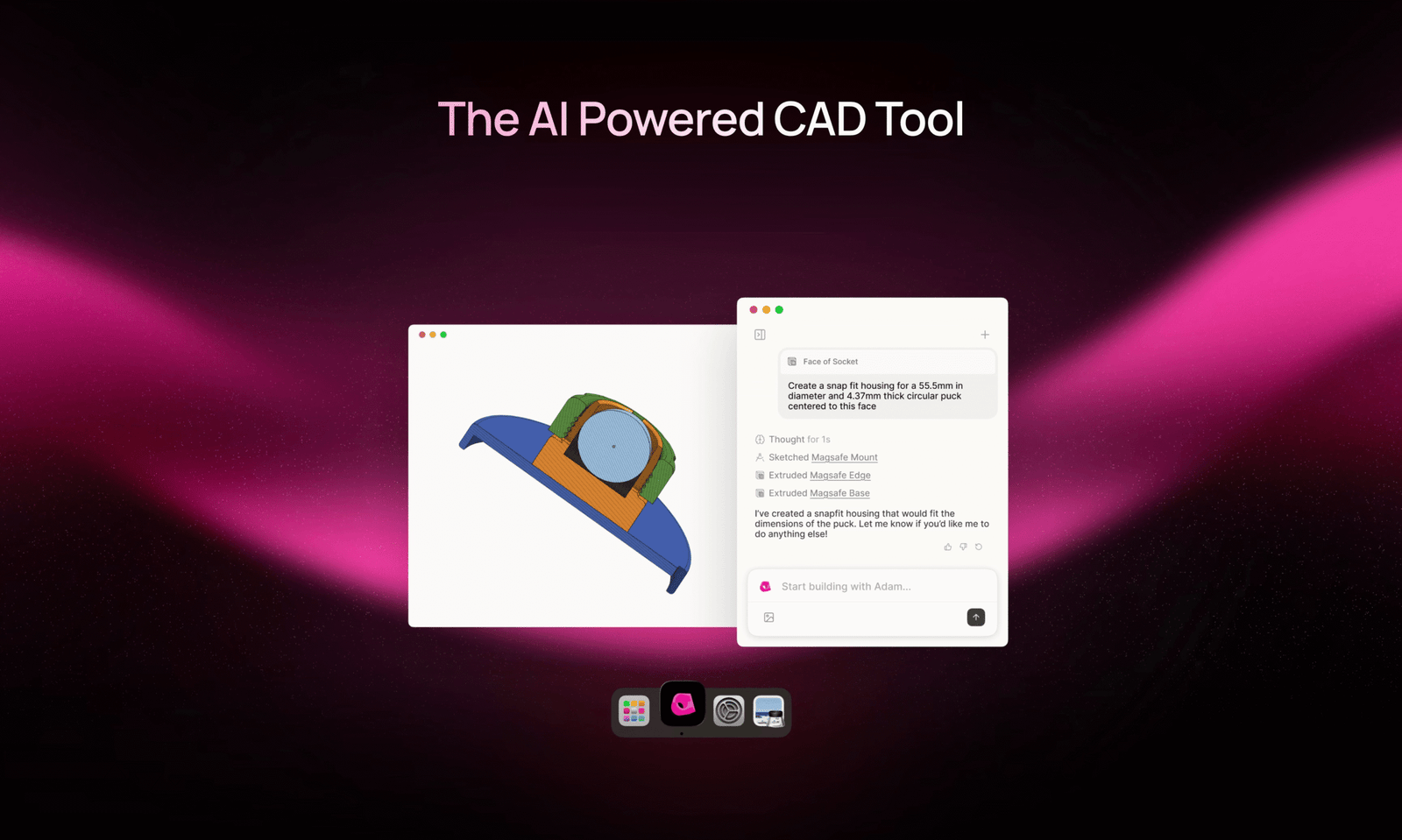
AI can assist with CAD modeling in several ways, but full end-to-end AI CAD generation is still maturing. Current capabilities: Sketch-to-3D tools like Vizcom can generate product concept forms from 2D sketches. Feature suggestion tools in platforms like Siemens NX and Onshape AI suggest next design steps and detect modeling errors. Generative design modules in Altair Inspire and nTop generate optimized geometries within defined constraints. Full parametric CAD generation from natural language is emerging (tools like AdamCAD) but is not yet production-reliable for complex assemblies. The most effective AI CAD workflows combine AI for specific tasks with designer judgment for the overall design intent.
What AI tools are used in product design?
Product designers use a mix of AI tools across different workflow stages: Concept phase: Vizcom (sketch-to-render), Midjourney (mood boards and style references), Adobe Firefly (material and color exploration). Development phase: Onshape AI (cloud CAD with AI features), Fusion 360 (AI simulation features), KeyShot (photorealistic rendering). Engineering phase: nTop or Altair Inspire (generative design), Ansys SimAI (fast simulation). Presentation phase: KeyShot, Vizcom, or Adobe Dimension (product renders for client decks). The specific tools depend heavily on the product category — consumer electronics, medical devices, and furniture have very different tool requirements.
Is AI good enough for professional engineering simulation?
AI-accelerated simulation is now production-ready for specific use cases. The key distinction is between AI surrogate models (fast, approximate simulations used for early design exploration and iteration — Ansys SimAI, Siemens SimCenter AI) and traditional FEA/CFD (slower, high-fidelity validation for final design sign-off). The most effective engineering teams use both: AI simulation for rapid iteration during design development, traditional high-fidelity simulation for final design validation before tooling. AI simulation is accurate enough to guide design decisions but should not replace traditional FEA for safety-critical components.
What’s the best AI tool for product sketching and concept rendering?
Vizcom is the tool most product designers recommend for AI-assisted concept sketching — it preserves the proportions and intent of hand-drawn or digital sketches while generating photorealistic renders with different material and color options. For generating initial visual concepts from text descriptions, Midjourney and Adobe Firefly produce strong results that industrial designers use for early concept exploration. For final client-presentation renders from CAD data, KeyShot with AI denoising remains the industry standard.
How does AI change the product development timeline?
AI tools are compressing product development timelines primarily at two stages: (1) Concept phase — AI visualization tools (Vizcom, Midjourney) let teams explore and align on visual direction in hours instead of days, reducing the number of physical sketching rounds needed before a direction is chosen. (2) Engineering phase — AI simulation (Ansys SimAI) and generative design (nTop, Altair) compress the design-simulate-iterate loop from weeks to days, allowing more design iterations within a fixed development schedule. Physical prototyping timelines haven’t changed, but the designs entering physical prototyping are better validated — reducing late-stage redesign costs.
Get New AI design tools Update in your inbox, every Monday.