Best AI Illustration & Art Tools for Concept Art, Storyboards & Digital Creativity (2026)
AI has given illustrators and concept artists a new kind of creative leverage. You can now generate hundreds of visual references in the time it used to take to sketch one, upscale hand-drawn line art without losing detail, and produce storyboard panels from a written script in minutes. We’ve tested 20+ AI illustration and art tools — from image generators to upscalers to vectorizers. This list focuses on tools that work within a real illustrator’s workflow, not tools that replace the illustrator entirely.
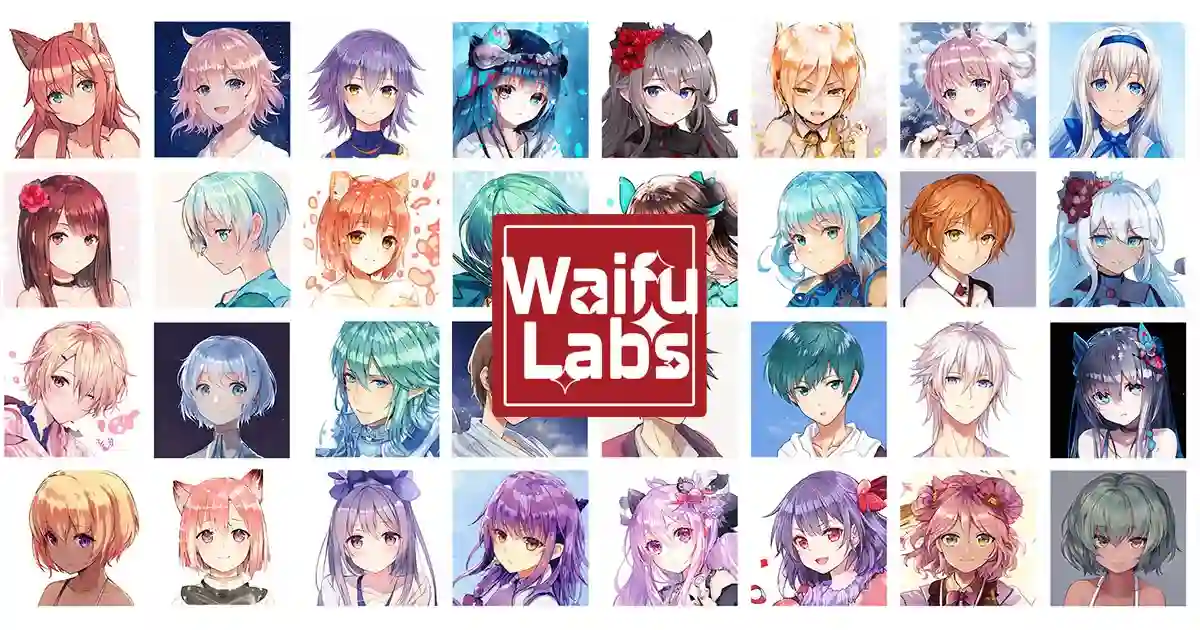
Magical AI picture generator that draws custom anime characters
The Ultimate AI Creative Studio for Any Use
Trace Pixels To Vectors in Full Color
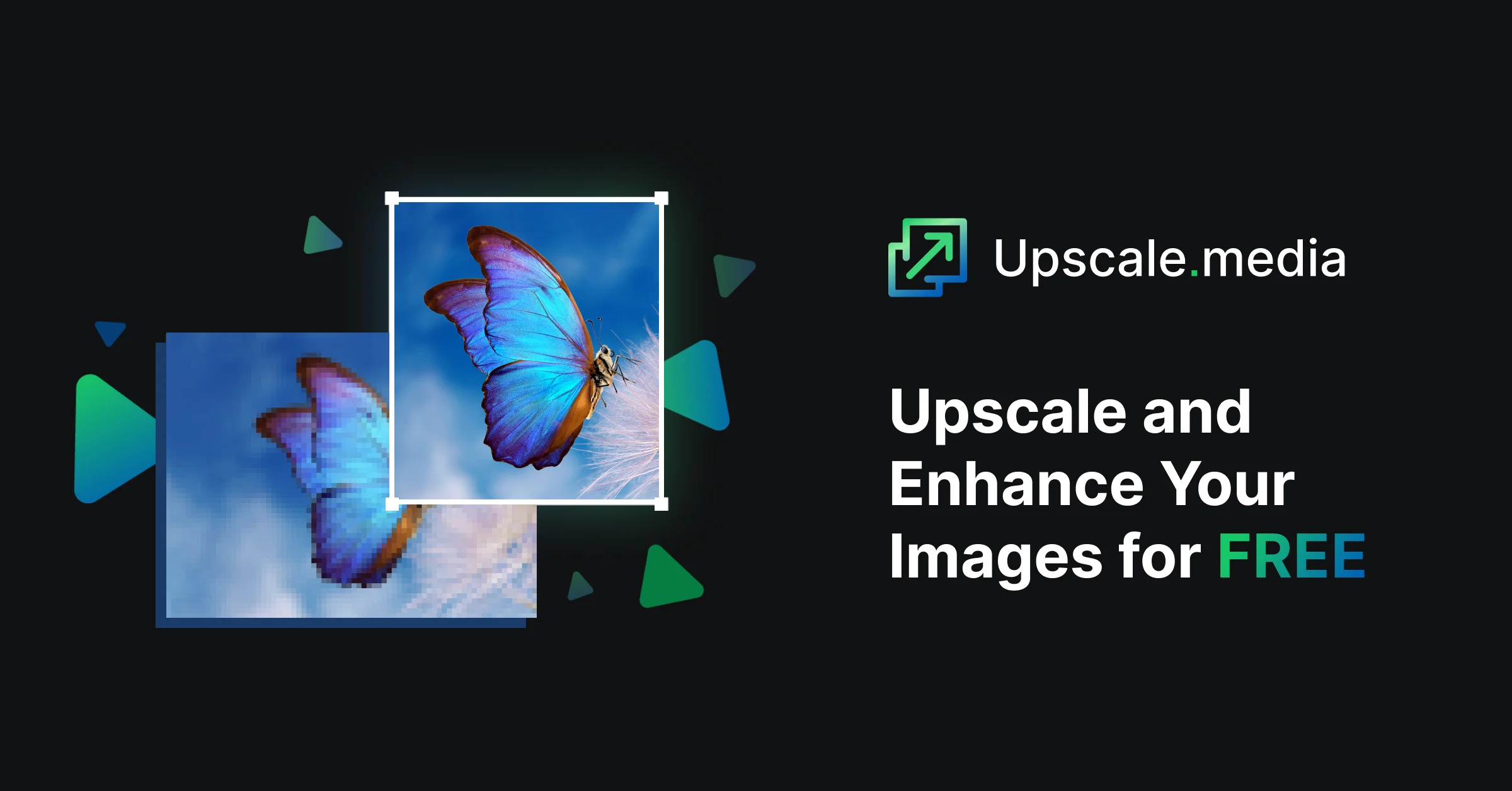
Upscale and Enhance Your Images for FREE
Maximize Your Image Quality With AI-Powered Sharpening, Noise Reduction, and Upscaling
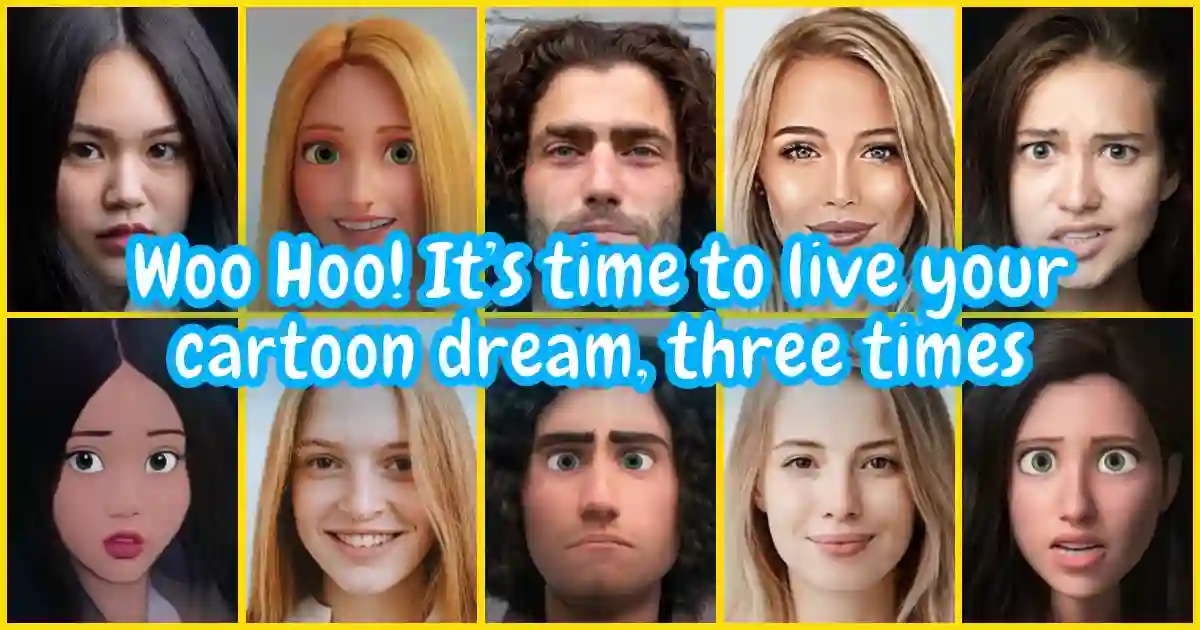
Let our AI cartoonize your photos
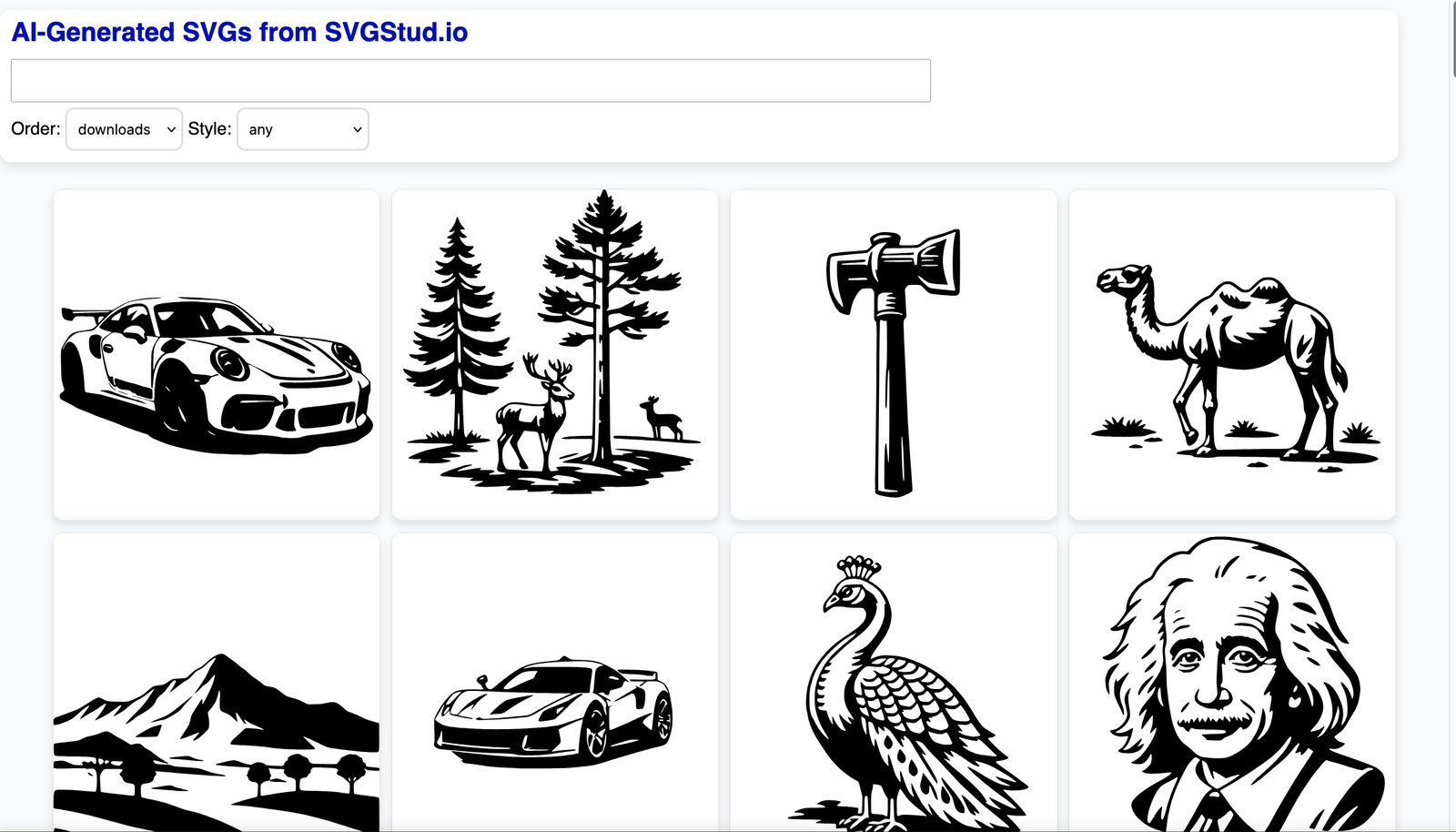
AI‑powered SVG generator and editor
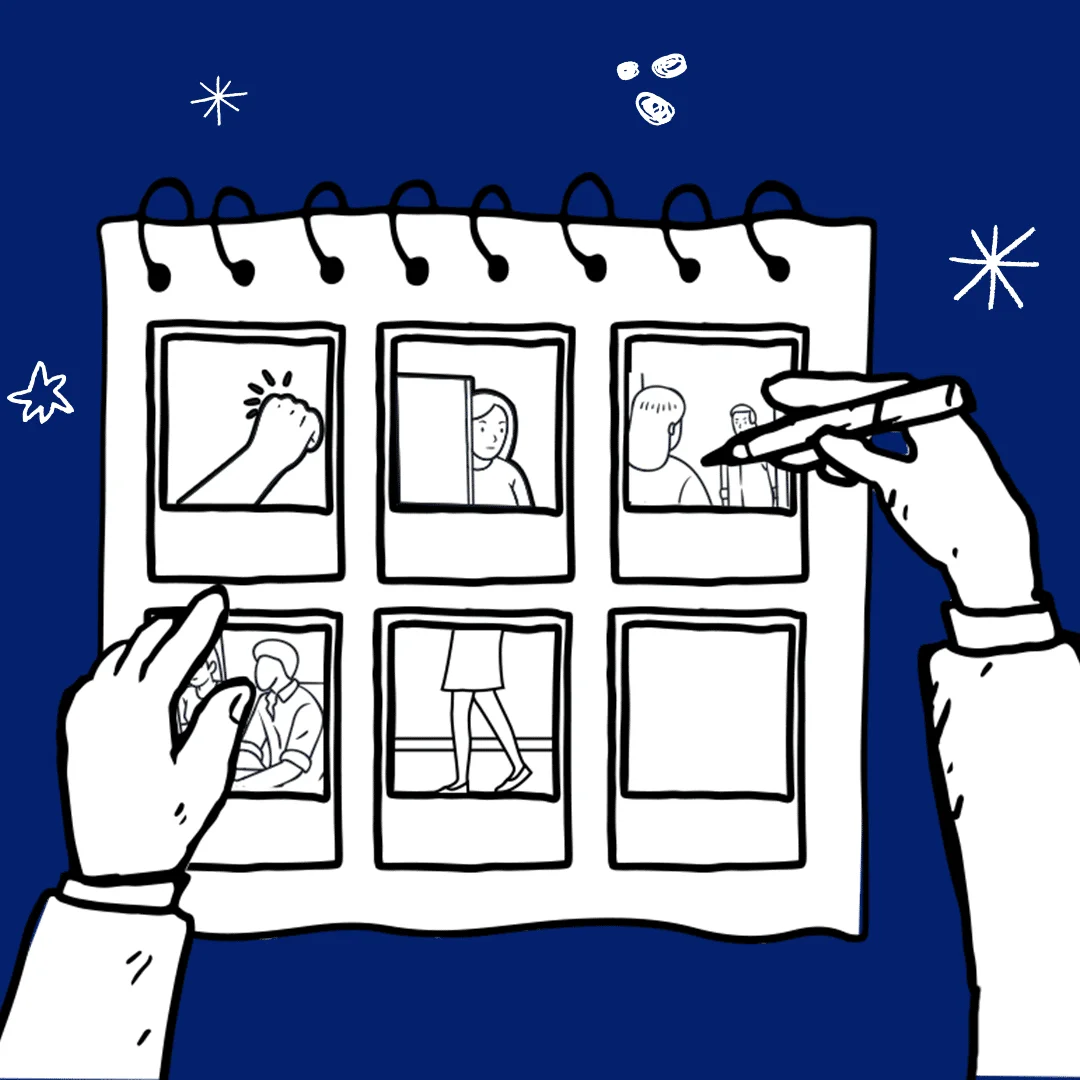
AI Storyboard Generator for Agencies, Filmmakers & Creators
Create custom anime and realistic AI characters from text prompts
Free AI Art Generator and Creative Tools
Run Flux 2, Veo 3, & Top AI Models. One Platform. One
AI Photo Enhancer
Marketplace for AI Prompts
ChatGPT, Prompt Engineering, Anthropic
Generate and edit creative images, artwork, and designs with AI
Convert photos into artistic drawings with AI
Generate AI arts from your text
Creative Platform & Community for AI Videos & Images
Worth exploring us? Bookmark! so you don't forget the URL.
Stop testing random tools. 320+ AI tools for UI, branding, 3D, motion, illustration and more — curated and reviewed by designers who use them daily.
Frequently Asked Questions About AI Illustration & Art Tools
AI-Powered Design Tools for Creative Workflows, Layout & Prototyping
What is the best AI tool for illustration?
The best AI illustration tool depends on your workflow. For concept art and reference generation, Midjourney produces the most artistically interesting output and is widely used by professional concept artists. For commercial illustration where IP ownership matters, Adobe Firefly is the safer choice — it’s trained on licensed Adobe Stock content. For upscaling hand-drawn art, Topaz Photo AI is the industry standard. For vectorizing illustrations, Vectorizer.AI produces significantly cleaner output than traditional auto-trace tools. Browse our full list of 20+ tools to find the right fit.
Can AI create original illustrations?
Yes — but the definition of “original” is nuanced. AI image generators produce novel visual outputs that don’t directly copy any single source, but they’re trained on large datasets of existing artwork. For commercial use: Adobe Firefly is the safest choice because it’s trained on Adobe Stock images with clear licensing. Midjourney, DALL·E, and Stable Diffusion-based tools produce excellent results but have less clear IP policies. Always check the tool’s terms of service for commercial use before publishing AI-generated illustrations in client work.
Are AI art generators good for concept artists?
Yes — concept artists have been among the earliest and most enthusiastic adopters of AI image tools. The primary use cases in professional concept art workflows are: rapid visual development (generating 20–30 concept directions in an hour instead of a day), style exploration (testing different aesthetic directions before committing to a visual language), reference gathering (generating specific visual references that don’t exist in stock photography), and background/environment generation (creating detailed environment art from rough compositions). Most concept artists use AI for the exploration phase and apply their manual craft for final, client-approved deliverables.
What AI tools do professional illustrators use?
Professional illustrators most commonly use: Midjourney (concept exploration and reference generation), Adobe Firefly (Photoshop generative fill, image extension, commercial-safe generation), Topaz Photo AI (upscaling and enhancement), Vectorizer.AI (raster-to-vector conversion), StoryboardHero (narrative pre-visualization), and Procreate (not AI-native, but increasingly integrated with AI brushes and reference tools). Illustrators are generally more selective about AI tool adoption than other design disciplines — the tools that earn a place in a professional illustrator’s workflow are ones that clearly enhance their distinctive style rather than replace it.
Is there an AI tool that can vectorize hand-drawn illustrations?
Yes. The best AI vectorization tools are: Vectorizer.AI (most accurate for complex illustrations with many color regions), Adobe Illustrator Image Trace (built-in, improved with AI in recent versions), Vector Magic (strong for clean bitmap-to-vector conversion), and Inkscape with AI plugins (free, open-source option). The quality difference between AI vectorization and manual vector tracing is most noticeable in complex, hand-drawn artwork — AI tools handle curves and organic shapes significantly better than rule-based auto-trace algorithms.
Can AI upscale low-resolution illustrations?
Yes — AI upscaling is one of the most mature and reliable AI art capabilities. Topaz Photo AI and Gigapixel AI (also from Topaz) are the industry standards, capable of upscaling artwork by 4–8× while preserving detail and edge quality. Remini is faster and more accessible but less configurable. Upscale.media offers a free-tier web option. For line art specifically, Waifu2x (open-source) produces excellent results at no cost. AI upscaling is particularly valuable for printing — recovering usable print-resolution files from digital-only or web-resolution illustrations.
How do AI storyboarding tools work?
AI storyboarding tools generate visual panels from written scene descriptions, shot lists, or scripts. The workflow typically looks like: (1) you input a scene description or import a script, (2) the AI generates a reference image for each beat or shot, (3) you arrange the panels in sequence and add notes or dialogue, (4) you export the storyboard as a PDF or image sequence. StoryboardHero is the most purpose-built tool for this workflow. For higher-quality individual panel generation, many directors and animators use Midjourney for panel generation and assemble them manually in Figma or a dedicated storyboard tool.
What’s the difference between AI image generation and AI illustration tools?
“AI image generation” refers to the underlying technology (diffusion models, GANs) that produces images from prompts. “AI illustration tools” are tools built on top of these models for specific illustration workflows — adding features like style consistency, line art preservation, panel sequencing, and SVG export. Consumer-facing generators like Midjourney and DALL·E are image generation tools. Purpose-built illustration tools like StoryboardHero, PromptBase, and Vectorizer.AI are built specifically for illustrators’ professional workflows. Illustrators typically use a combination: a generator for raw output, a workflow-specific tool for production.
Get New AI design tools Update in your inbox, every Monday.