Best AI Graphic Design Tools for Logos, Branding, Social Media & More (2026)
AI has transformed graphic design faster than any other creative discipline. What used to take a designer three hours — generating product mockups, building social media templates, producing logo variants — now takes twenty minutes. We’ve tested 50+ AI graphic design tools across logo design, brand identity, social media content, product photography, and image editing. This list includes only the tools that consistently produce output you’d be proud to show a client.
Transform Your Creative Ideas with AI
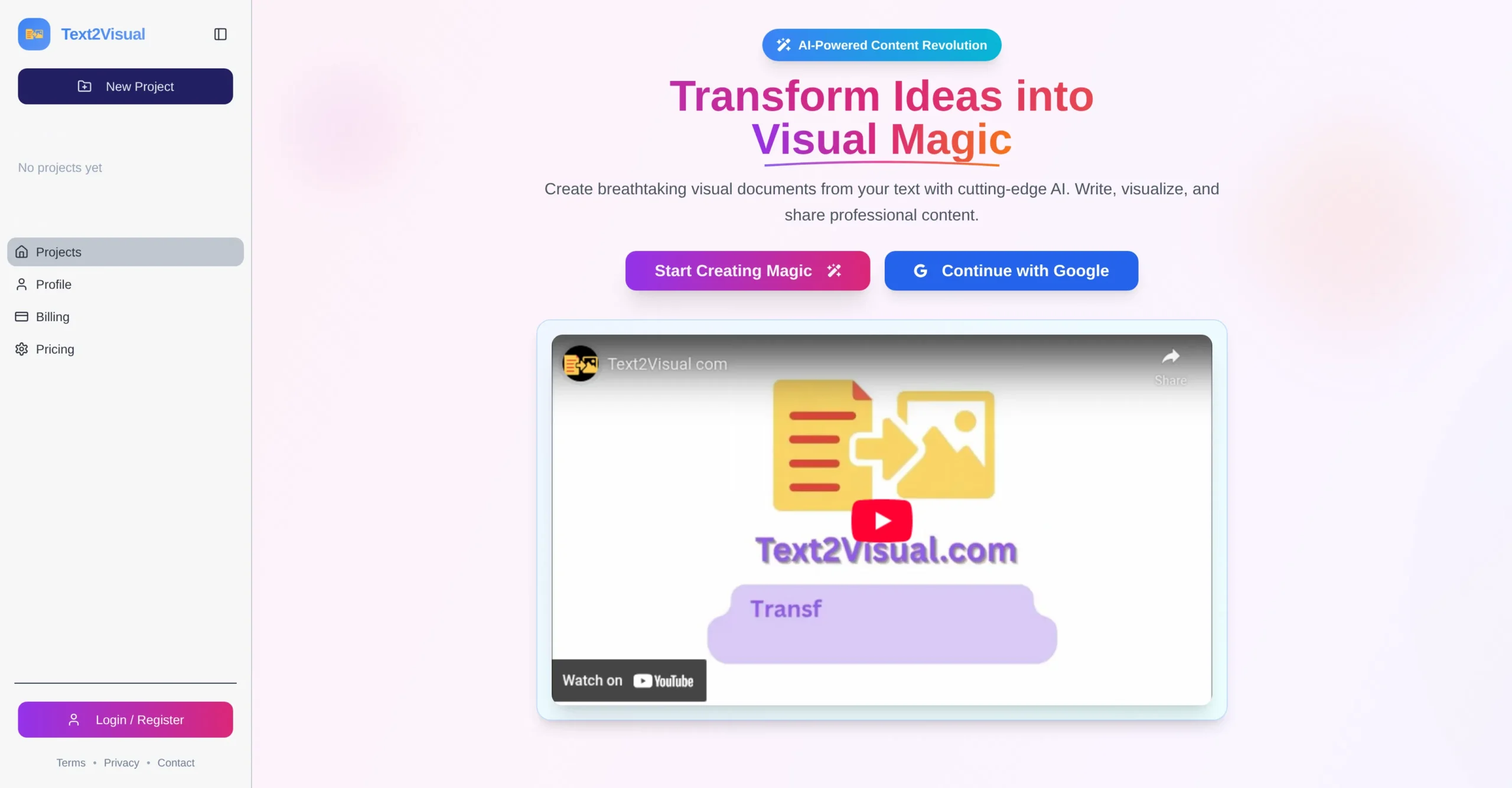
Turn text, links, or images into share‑ready visuals
Converts text prompts into high‑quality visuals.
All-in-One AI Design & Content Creation Platform
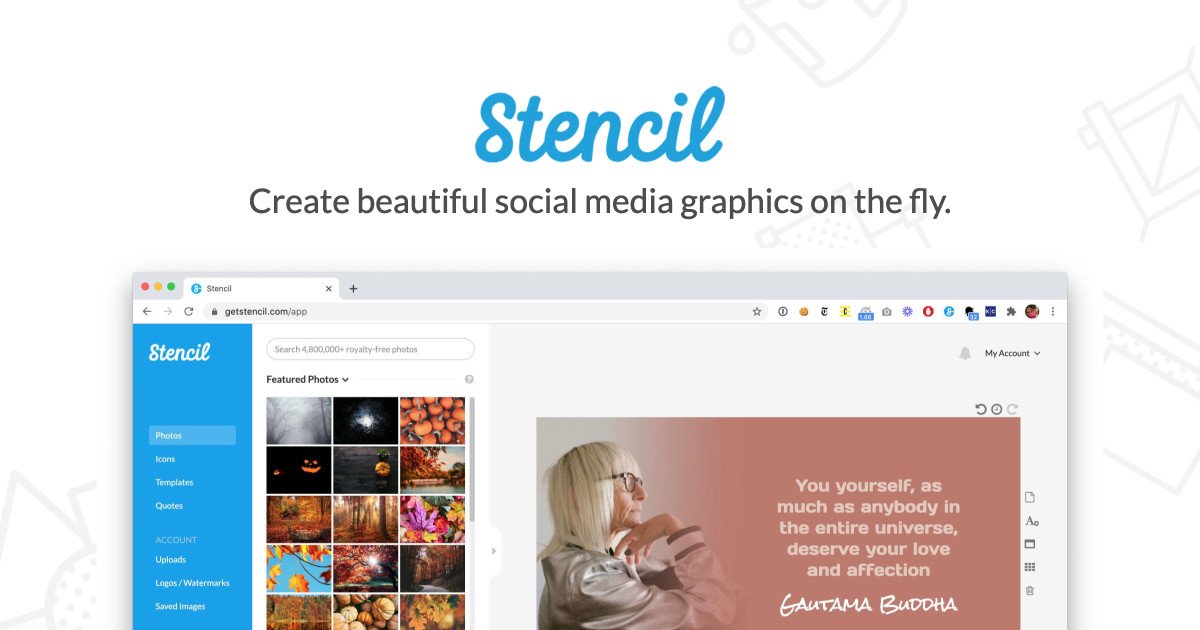
Create Beautiful Social Media Graphics on the Fly
Create social media graphics, ads, and online visuals quickly
AI image creation optimized for brand consistency.
Edit photos and create AI-powered visual designs online
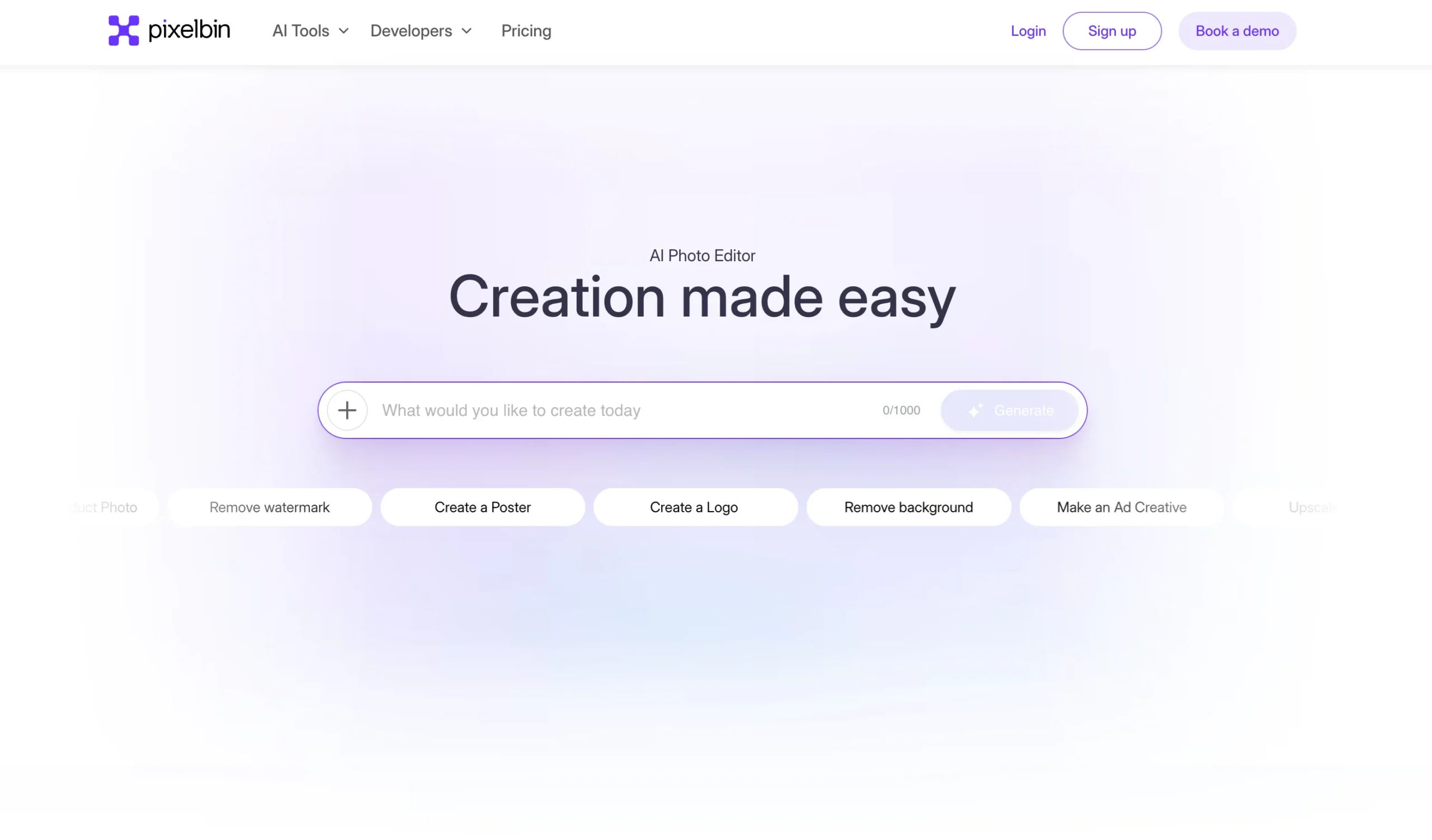
An AI photo editor that generates graphics, removes backgrounds, and creates designs
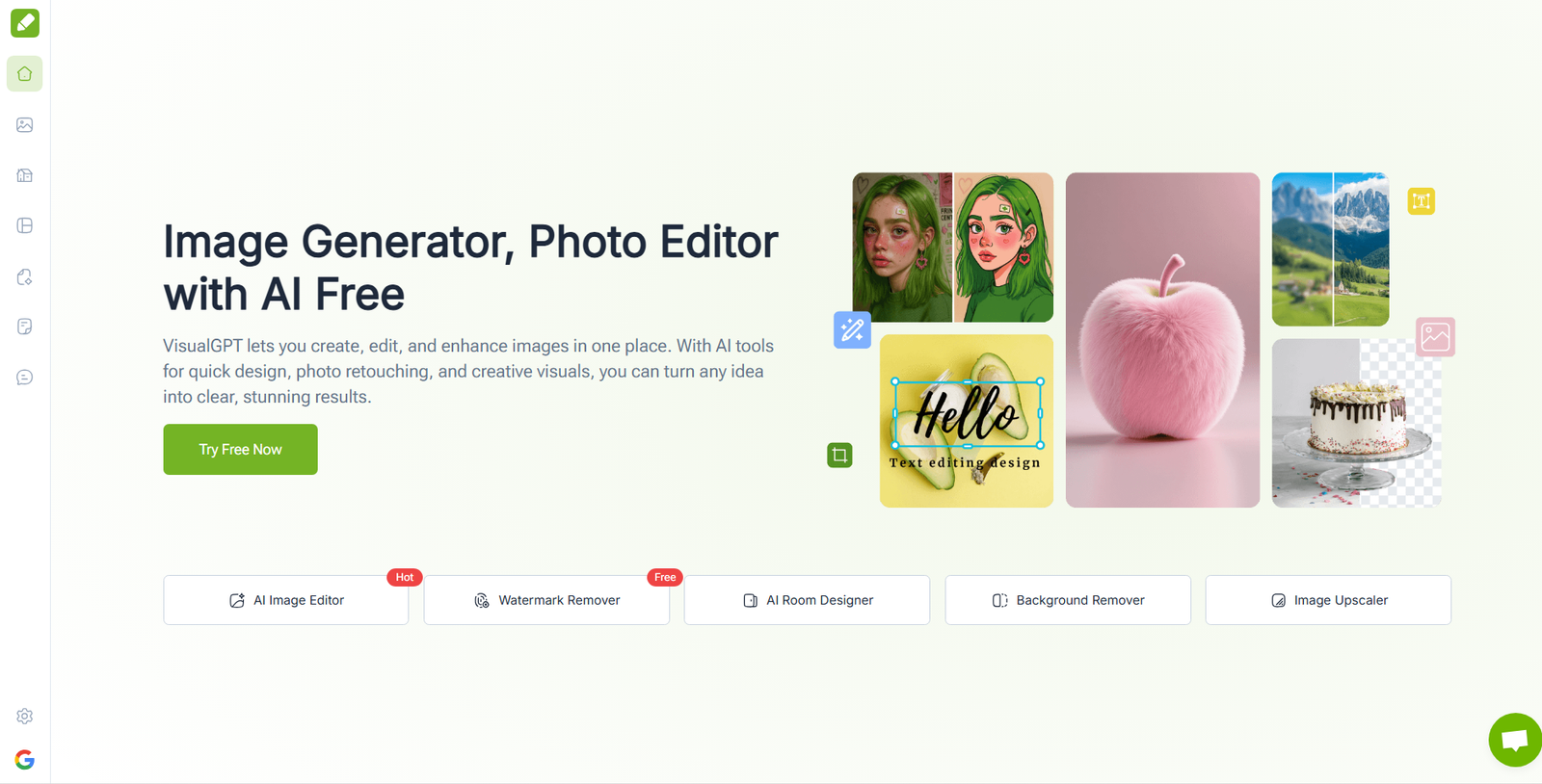
Create, edit, and enhance photos and designs with AI
Design product graphics, stickers, and social visuals with AI
Photo Editing and Graphic Design Platform
Create product photos and remove backgrounds with AI
Fire your photographer. Create beautiful photos of yourself with AI.
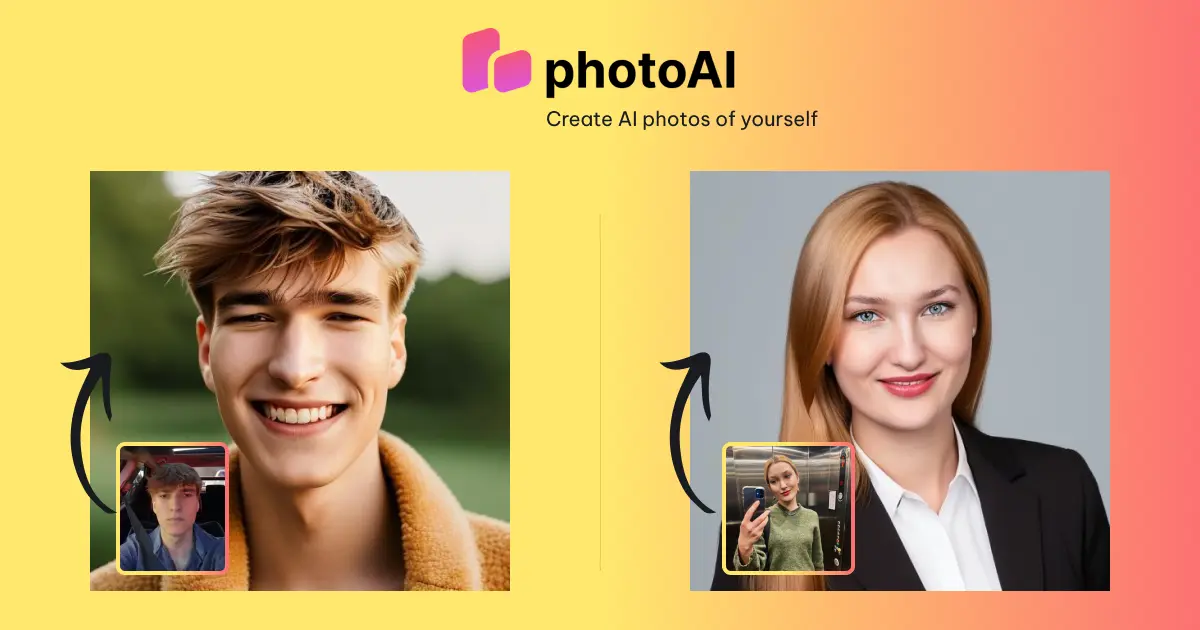
Create AI photos of yourself
Next Gen AI Photo Editing & Visual Design Platform
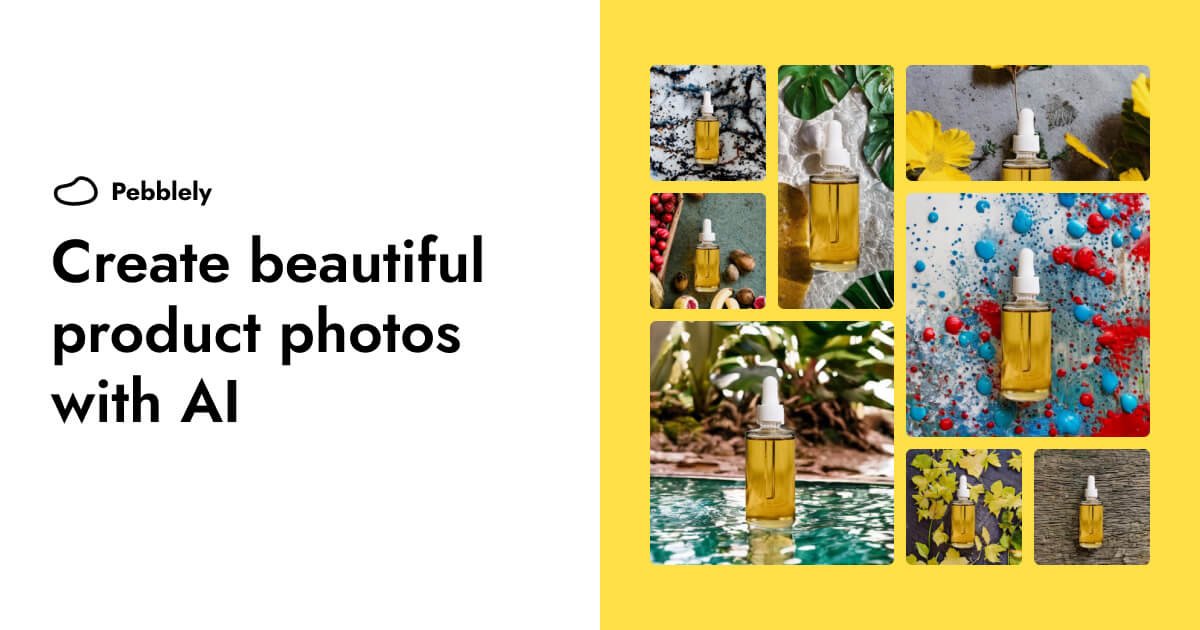
Create Beautiful Product Photos with AI
A free online mockup generator for apparel, accessories, and digital products.
Worth exploring us? Bookmark! so you don't forget the URL.
Stop testing random tools. 320+ AI tools for UI, branding, 3D, motion, illustration and more — curated and reviewed by designers who use them daily.
Frequently Asked Questions About AI Graphic Design Tools
AI-Powered Design Tools for Creative Workflows, Layout & Prototyping
What is the best AI tool for graphic design?
The best AI graphic design tool depends on what you’re designing. For logo design, Looka and Brandmark generate the most complete brand kits. For social media graphics, Canva AI and Glorify are the most widely used. For product photography, Pebblely and Photoroom are the top picks. For image editing and enhancement, Topaz Photo AI and VanceAI lead the field. For general AI image generation used by graphic designers, Adobe Firefly and Midjourney produce the highest-quality artistic output. Our directory lists 50+ tools — browse by sub-category to find the right one for your use case.
What are the best AI tools for logo design?
The top AI logo design tools in 2026 are: Looka (generates complete brand kits including logo, color palette, and typography), Brandmark (produces minimalist, modern logo concepts from your brand description), Adobe Firefly (best for generating unique logo concepts for a designer to refine), Ideogram (strong text-in-image rendering for logotype designs), and Canva Logo Maker (fastest option for simple, template-based logos). For professional brand identity work, we recommend using an AI tool for the initial concept exploration stage, then refining with your preferred vector tool (Illustrator, Affinity Designer, or Figma).
Can AI generate graphics for social media?
Yes — and many brands now use AI for the majority of their social media graphic production. The best tools for this are Canva AI (widest template library, easiest for non-designers), Glorify (built specifically for e-commerce brands), Stencil (fastest for quick social posts from brand templates), Crello (strong for animated social content), and Adobe Express (best integration with Adobe Creative Cloud assets). For consistent branding across AI-generated social graphics, set up your brand kit in the tool first — colors, fonts, and logo — before generating any content.
Are there AI tools for product photography?
Yes — AI product photography is one of the fastest-growing use cases in graphic design. Top tools include: Pebblely (generates lifestyle backgrounds for product photos), Photoroom (removes backgrounds and applies clean studio-style settings), Claid.ai (enhances image quality for marketplace listings), Pixelcut (fast background replacement), and Flair.ai (specifically built for product photography campaigns). These tools are particularly valuable for e-commerce businesses that need high volumes of product images at different angles, backgrounds, and contexts.
What AI tools do graphic designers actually use daily?
Based on our community surveys, the most-used AI tools in working graphic designers’ daily workflows are: Adobe Firefly (integrated into Photoshop and Illustrator for generative fill, object removal, and image extension), Canva AI (for quick social and marketing graphic production), Remove.bg or Photoroom (for background removal), Midjourney (for concept exploration and mood boards), and Topaz Photo AI (for image upscaling and enhancement). The pattern is consistent: designers use generative AI tools for the ideation and exploration phase, then bring their preferred traditional tools in for refinement and production.
How is AI changing graphic design as a profession?
AI is changing graphic design in three main ways. First, volume work (social media graphics, ad variants, product image backgrounds) is increasingly handled by AI — reducing the number of hours junior designers spend on repetitive execution. Second, exploration speed has increased significantly — what used to take a design team a week of concept exploration can now be covered in a day using generative AI tools. Third, the skill set that makes a graphic designer valuable has shifted: craft and production speed matter less, while brand judgment, creative direction, and knowing how to brief AI tools to get useful output matters more.
What’s the best free AI graphic design tool?
The best free AI graphic design tools are: Canva AI (free tier includes most core features), Microsoft Designer (free with a Microsoft account, includes AI image generation), Adobe Express (free tier is generous), Remove.bg (free for low-resolution output), Haikei (completely free SVG background generator), and Ideogram (generous free tier for AI image generation with strong text rendering). For professional use, most designers graduate to a paid plan, but the free tiers above are genuinely useful for exploring whether a tool fits your workflow.
How accurate is AI-generated logo design?
AI logo tools have improved significantly, but they still require a designer’s judgment to use effectively. For simple, text-based logos (wordmarks and lettermarks), tools like Looka and Brandmark produce clean, usable results that a client could take to market. For icon-based logos requiring unique illustration or complex symbolism, AI-generated concepts are better treated as rough starting points for a designer to refine. The strongest AI logo workflow: use AI to generate 20–30 concept directions in 10 minutes, identify 2–3 that resonate with your client brief, then refine them manually. This beats spending hours on early concepts that might not land.
Get New AI design tools Update in your inbox, every Monday.