Best AI Motion Design Tools for Video Generation, Animation & Motion Graphics (2026)

Motion design was one of the hardest creative disciplines to break into — requiring years of After Effects experience and long render times. AI has changed that dramatically. You can now generate video clips from text, animate characters from a webcam feed, and produce motion graphics from a single prompt. We’ve tested 15+ AI motion design tools and separated the ones with genuine production value from the ones that only work in controlled demos. This list covers video generation, character animation, motion graphics, and AI-enhanced traditional animation workflows.

Yepic AI

Real-Time AI Avatar & Personalised Video API Platform

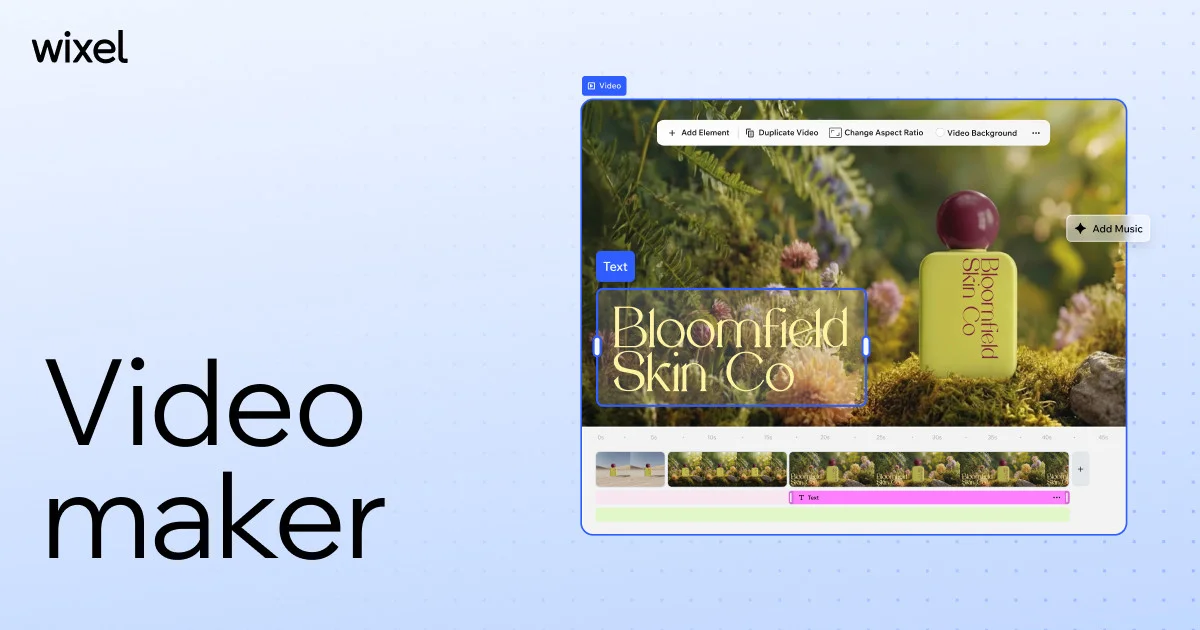
Wix

AI Video Generator & Online Content Creation Platform

Wisecut

AI Automatic Video Editor & Short-Form Clip Generator

Wave.video

Online Video Editor & Live Streaming Platform

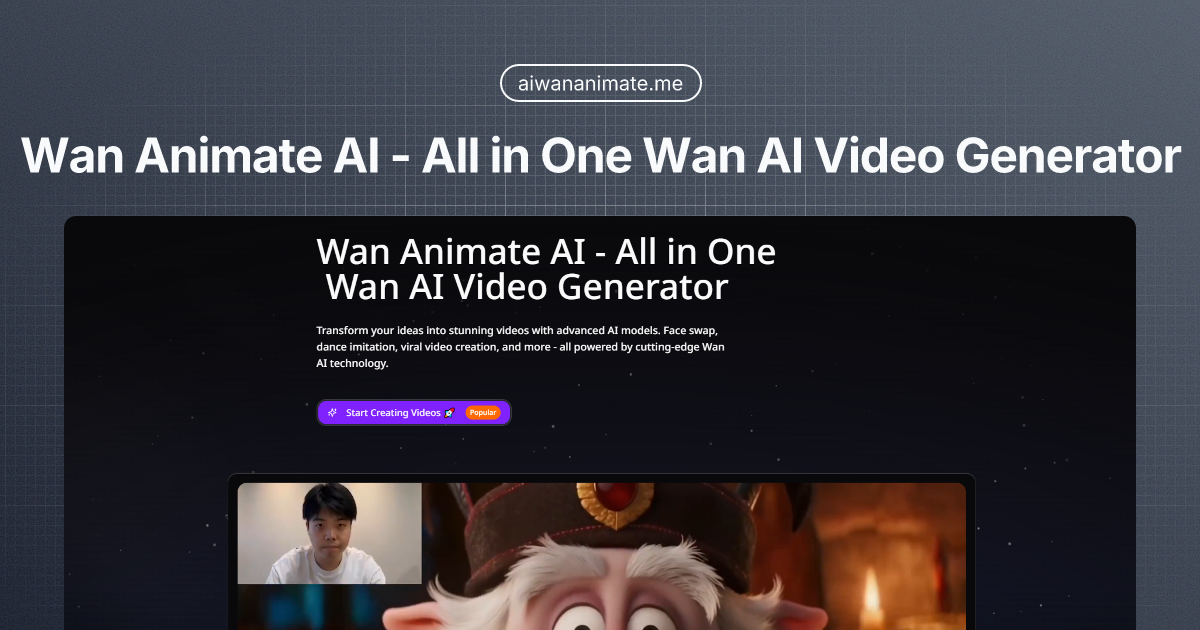
Wan Animate

Animate static characters into dynamic motion

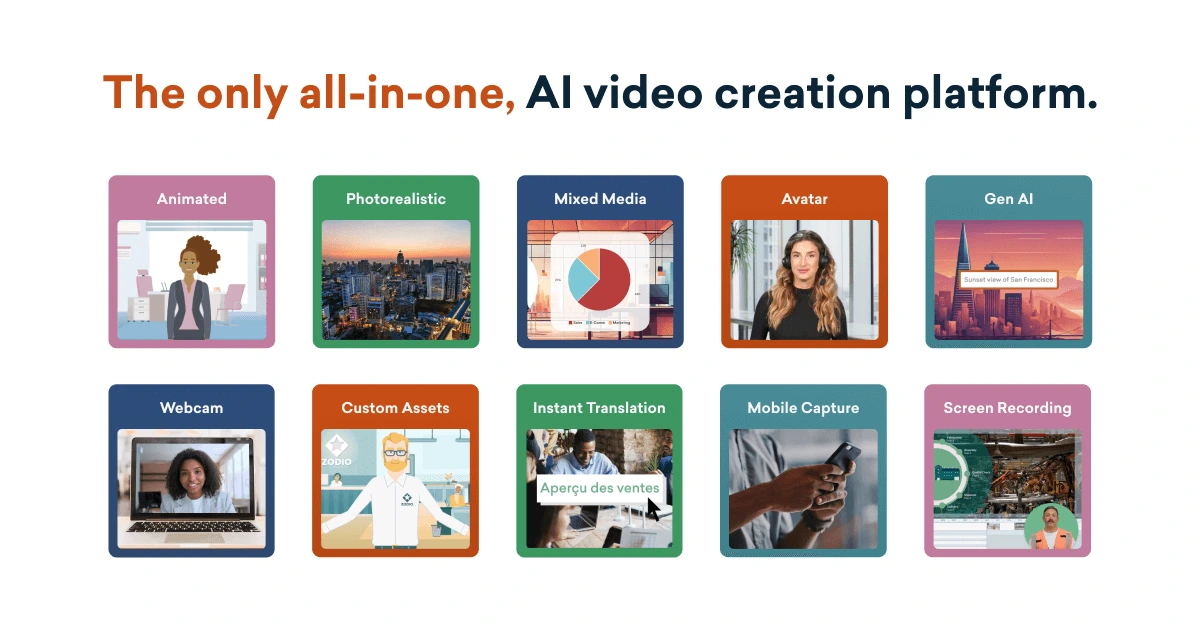
Vyond

All-in-One AI Video Creation Platform

VISVISE

AI-driven animation for games and motion

VisionStory

AI Avatar & Image-to-Video Generator

Vidnoz AI

Free AI Video Generator & Talking Avatar Studio

VideoGen AI

AI Video Generator & Content Creation Platform

Toonly AI

Photo-to-Cartoon & Stylization Tool

Storyboarder.ai

AI Storyboard & Pre-Production Generator

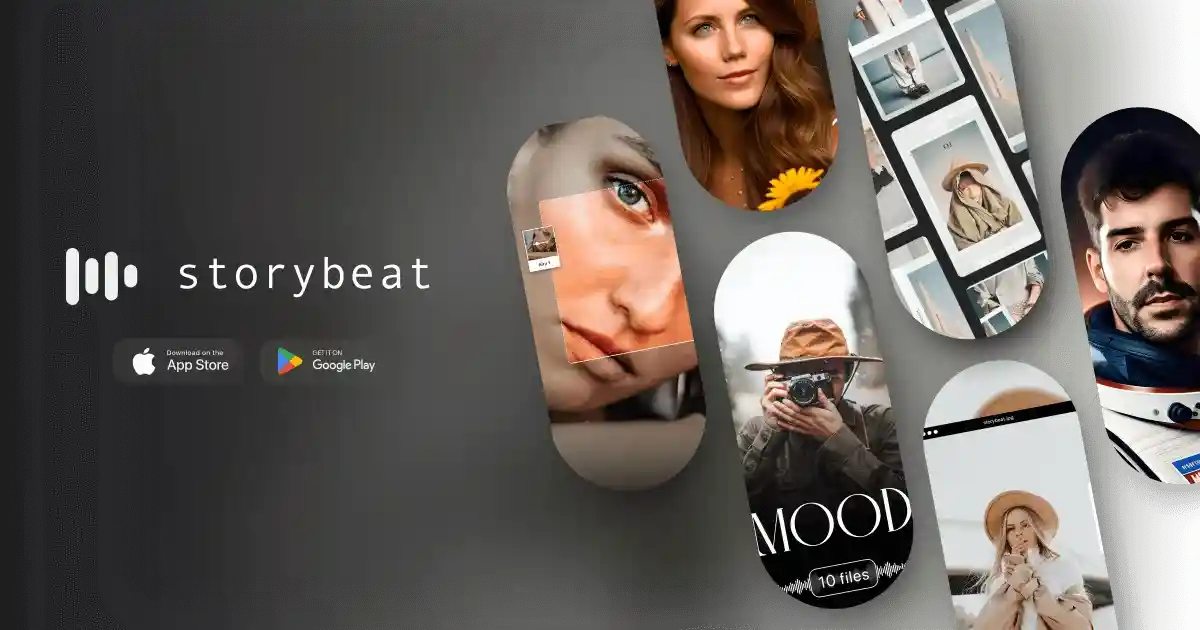
Storybeat

AI Social Media Content & Video Editor App

Steve AI

AI Video Generator for Faceless Creators & Social Media

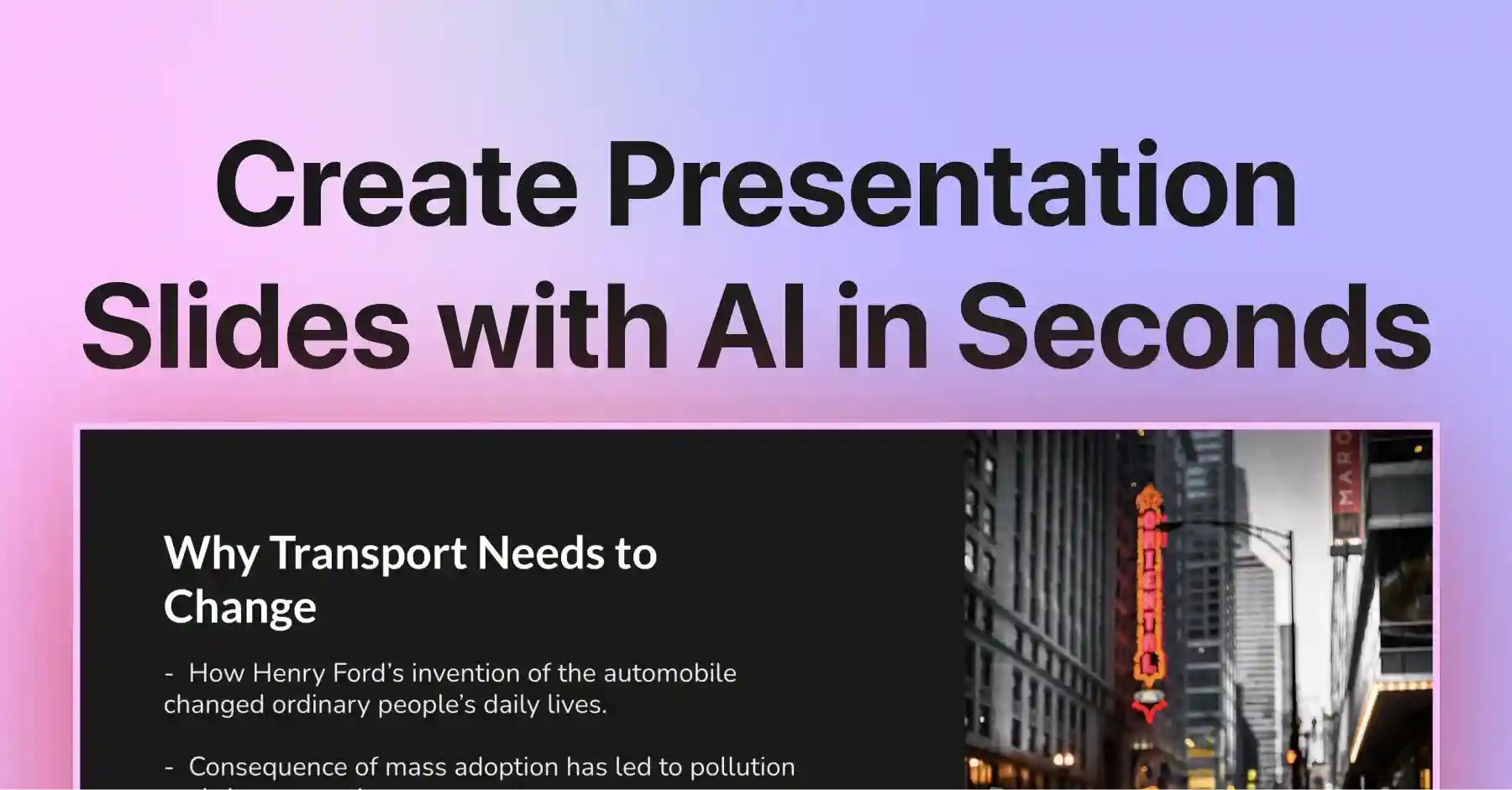
SlidesAI

AI Presentation Generator for Google Slides

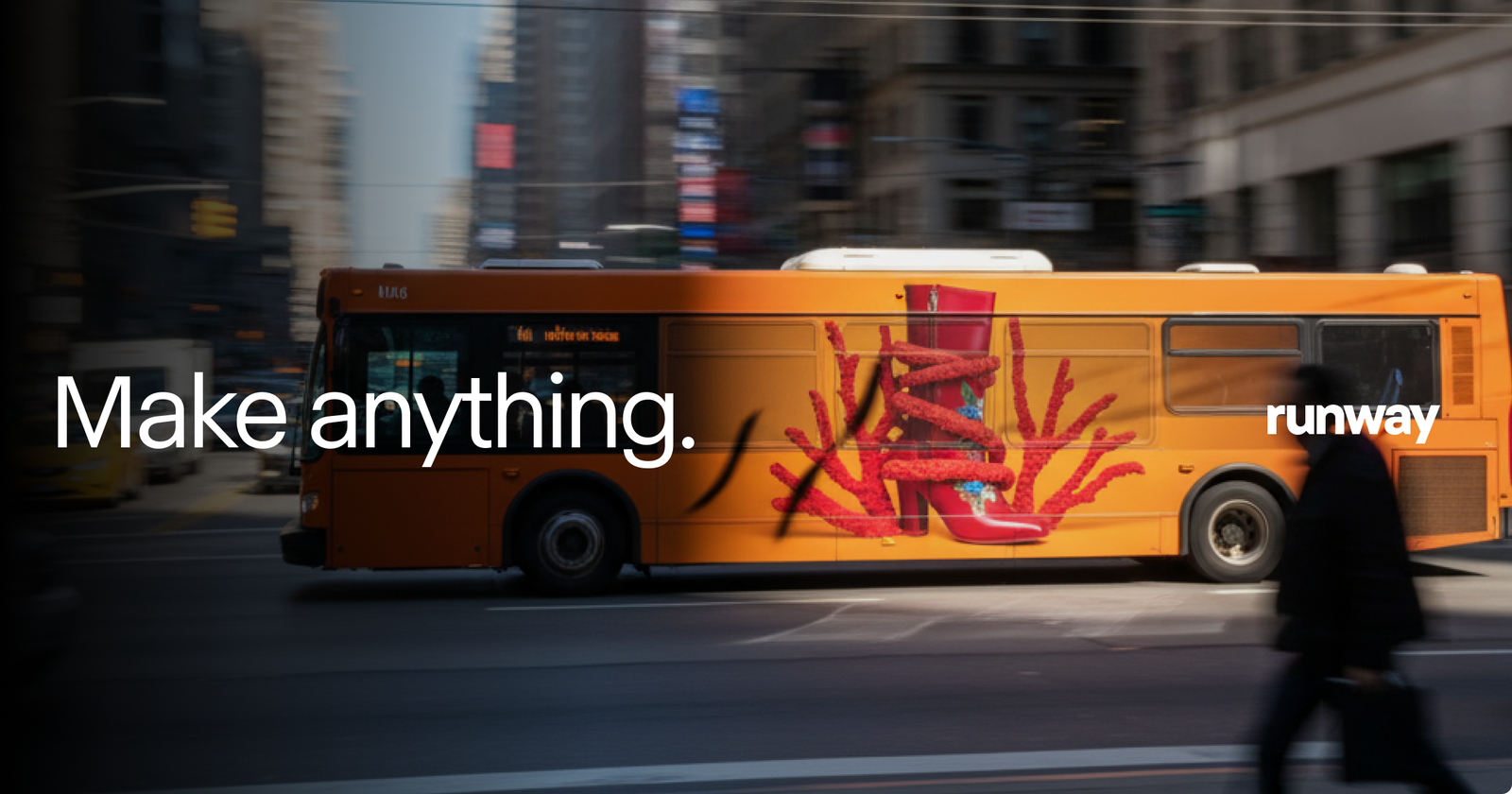
Runway

Generate motion from images and text.

Rotor Videos

AI Music Video & Visual Content Generator

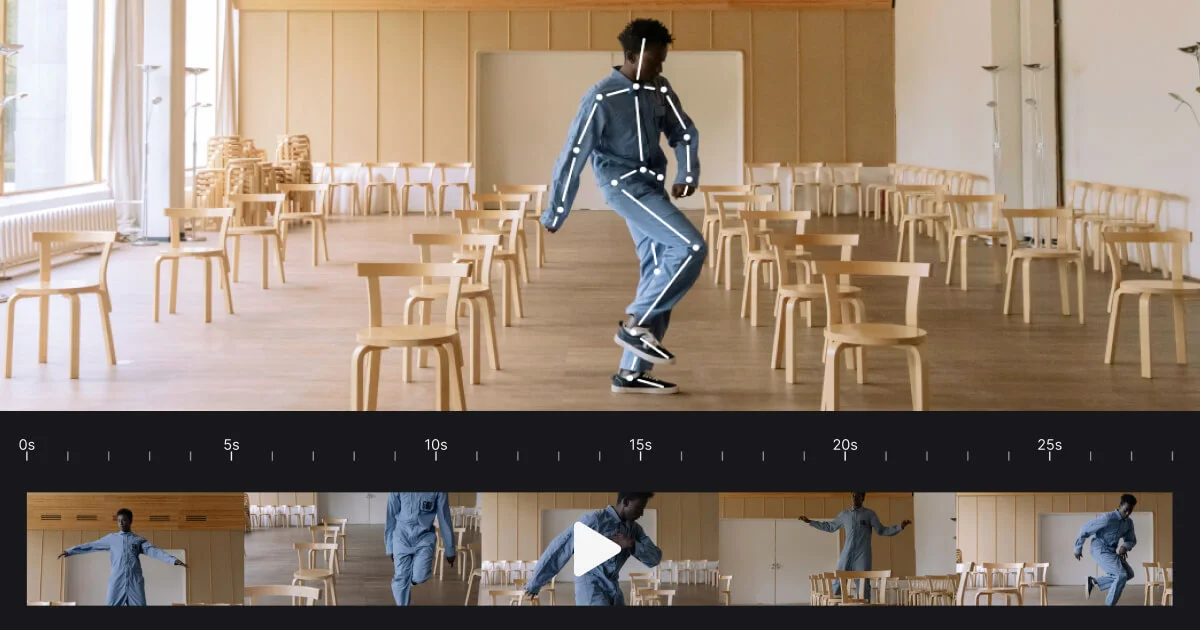
rokoko

AI Video-to-Motion Capture Platform & Toolkit

Worth exploring us? Bookmark! so you don't forget the URL.

Stop testing random tools. 320+ AI tools for UI, branding, 3D, motion, illustration and more — curated and reviewed by designers who use them daily.

Frequently Asked Questions About AI Motion Design Tools

AI-Powered Design Tools for Creative Workflows, Layout & Prototyping

What is the best AI tool for motion design?

For motion designers in 2026, the most useful AI tools are: Runway Gen-3 (best overall for AI video generation with high production quality), DeepMotion (best for character animation from video), Cascadeur (best for physically-based animation refinement), Plask (best motion capture alternative for designers), and Houdini (professional standard for AI-assisted procedural animation and VFX). For social media motion content, Kaiber AI and ImagineArt produce the fastest results. Browse our full list of 15+ tools by sub-category.

Yes — AI can generate several types of animations automatically: character animations from a video of a person moving (DeepMotion, Plask, Cascadeur), video clips from text or image prompts (Runway, Wan Animate, Kaiber AI), animated motion graphics from style references (ImagineArt, LTX Studio), and physics-based procedural animations (Houdini AI tools). The level of creative control varies: generative video tools (Runway) give you less frame-by-frame control; character animation tools (DeepMotion) give you more. The right choice depends on whether you need creative control or speed.

Based on our community surveys, the AI tools most commonly used by working motion designers are: Runway (for AI video generation and effects), Adobe After Effects + AI plugins (for integrating AI into traditional AE workflows), DeepMotion (for character animation from video), Cascadeur (for physically-based animation), and ChatGPT/Claude (for scripting, storyboard briefs, and motion brief writing). Many motion designers are also experimenting with Sora (OpenAI) for concept visualization, though it’s not yet fully available for commercial production use.

For short-form social content, brand advertising clips, and concept visualization — yes, AI video generation is increasingly production-quality. Runway Gen-3 and Sora produce results that brands are publishing directly. For long-form narrative content (short films, brand documentaries, product videos), AI is more useful as an accelerator for specific parts of the workflow (concept visualization, b-roll generation, visual effects) rather than as a primary production tool. The technology is improving rapidly — what required significant cleanup in 2024 often produces publish-ready output in 2026.

The best free AI animation tools are: Cascadeur (free version for non-commercial use), Plask (free tier for basic motion capture), DeepMotion (limited free tier), Kaiber AI (free trial credits), and CapCut (free with strong AI video editing features). For professional animation workflows, most free tiers are evaluation tools — the processing time limits and resolution caps on free plans make them impractical for client work.

AI character animation tools work through several different methods: (1) Video-based motion capture — you record a person performing a movement, the AI extracts the skeletal motion data, and maps it to your 3D character. DeepMotion and Plask use this approach. (2) Text-to-animation — you describe a movement (“character walks forward and waves”) and the AI generates the animation data. Newer tools like Cascadeur’s AI features use this. (3) In-betweening and physics refinement — you pose keyframes and the AI generates physically accurate movement between them. The output from all three methods is typically a BVH or FBX file you import into your 3D software.

Not as a complete replacement, but AI is significantly changing how After Effects is used. For generative video content (social media, concept clips, b-roll), AI tools like Runway can produce results faster than a traditional AE workflow. For custom motion graphics with specific brand animations, complex data visualizations, or precise control over timing — After Effects with AI-powered plugins (Motion Bro, Flow, AEUX) remains the professional standard. The most effective motion designers use both: AI for exploration and draft-quality generation, After Effects for final production.
Common export formats from AI animation and motion tools: BVH (Biovision Hierarchy — used for skeletal animation data, compatible with Blender, Maya, Cinema 4D), FBX (Autodesk — wide compatibility across 3D tools and game engines), MP4 / MOV (for video generation output from tools like Runway), GIF / WebM (for web-ready animated graphics), SVG with SMIL animation (for web-based motion graphics). Always check the export options against your pipeline requirements before committing to a tool for a client project.

Get New AI design tools Update in your inbox, every Monday.

Get New AI design tools Update in your inbox, every Monday.