Best AI 3D Design Tools for 3D Modeling, Rendering & Spatial Design (2026)

Creating a 3D model used to require months of learning Blender or Maya and hours per asset. AI 3D tools have changed that equation — you can now generate a textured 3D model from a photo or text prompt in under five minutes. We’ve tested 20+ AI 3D tools across model generation, rendering, animation, and product visualization. These are the ones that produce genuinely usable output — not just impressive demos that fall apart in a real pipeline.

VISTA3D

Versatile Imaging SegmenTation and Annotation Foundation Model

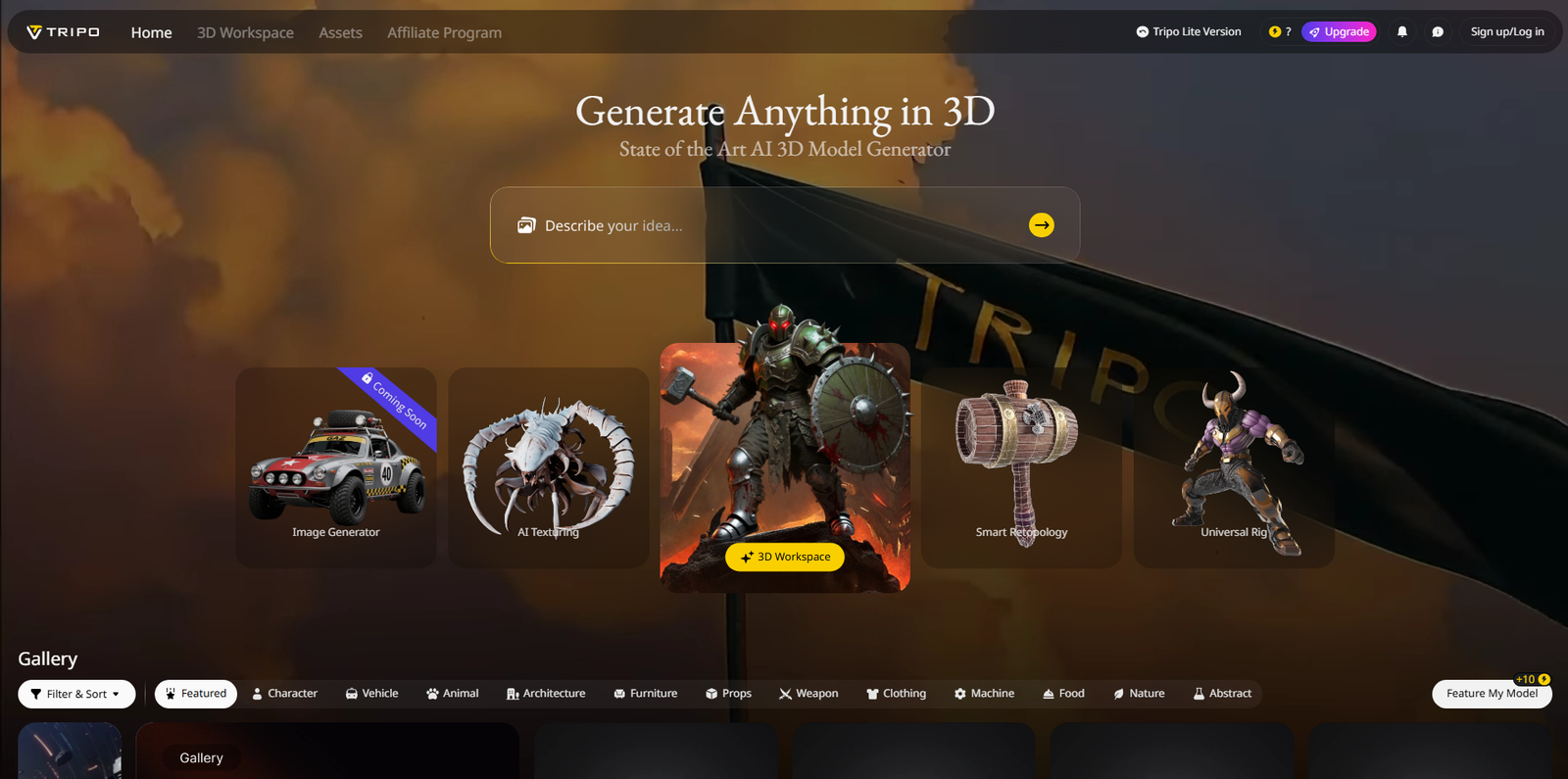
Tripo Studio

Text/image‑to‑3D model generator and editor

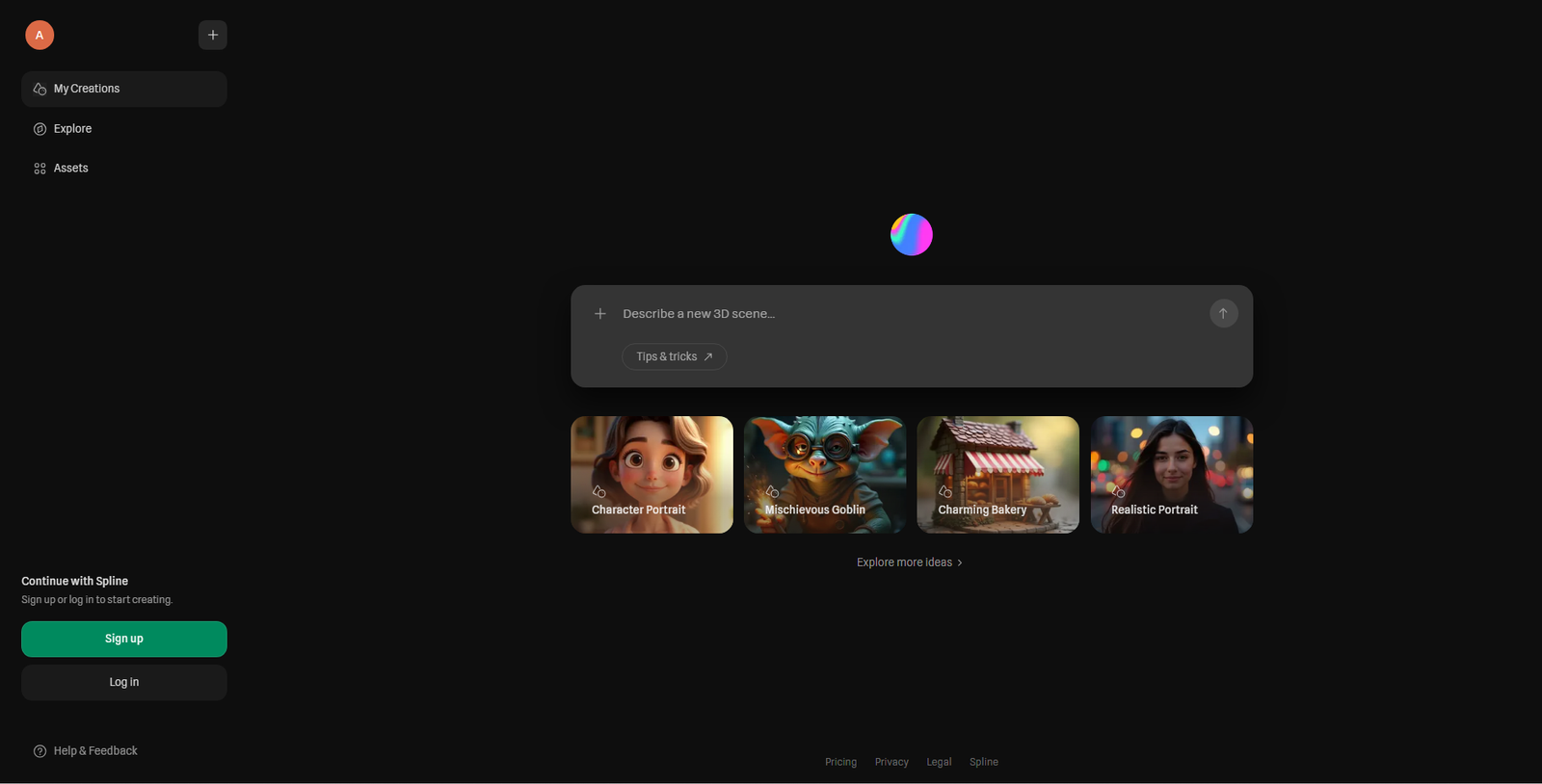
Spline

Create interactive 3D designs and web animations visually

Spell

Generate full 3D scenes from image or text

Scenario

Generate branded 3D assets and creative game visuals with AI

RealityScan

Create realistic 3D models from photos and real-world scans

Polycam

Capture and create 3D scans from photos or mobile devices

Omniverse AI

Collaborative 3D creation with AI physics

Meshy AI

Generate 3D models from text or images

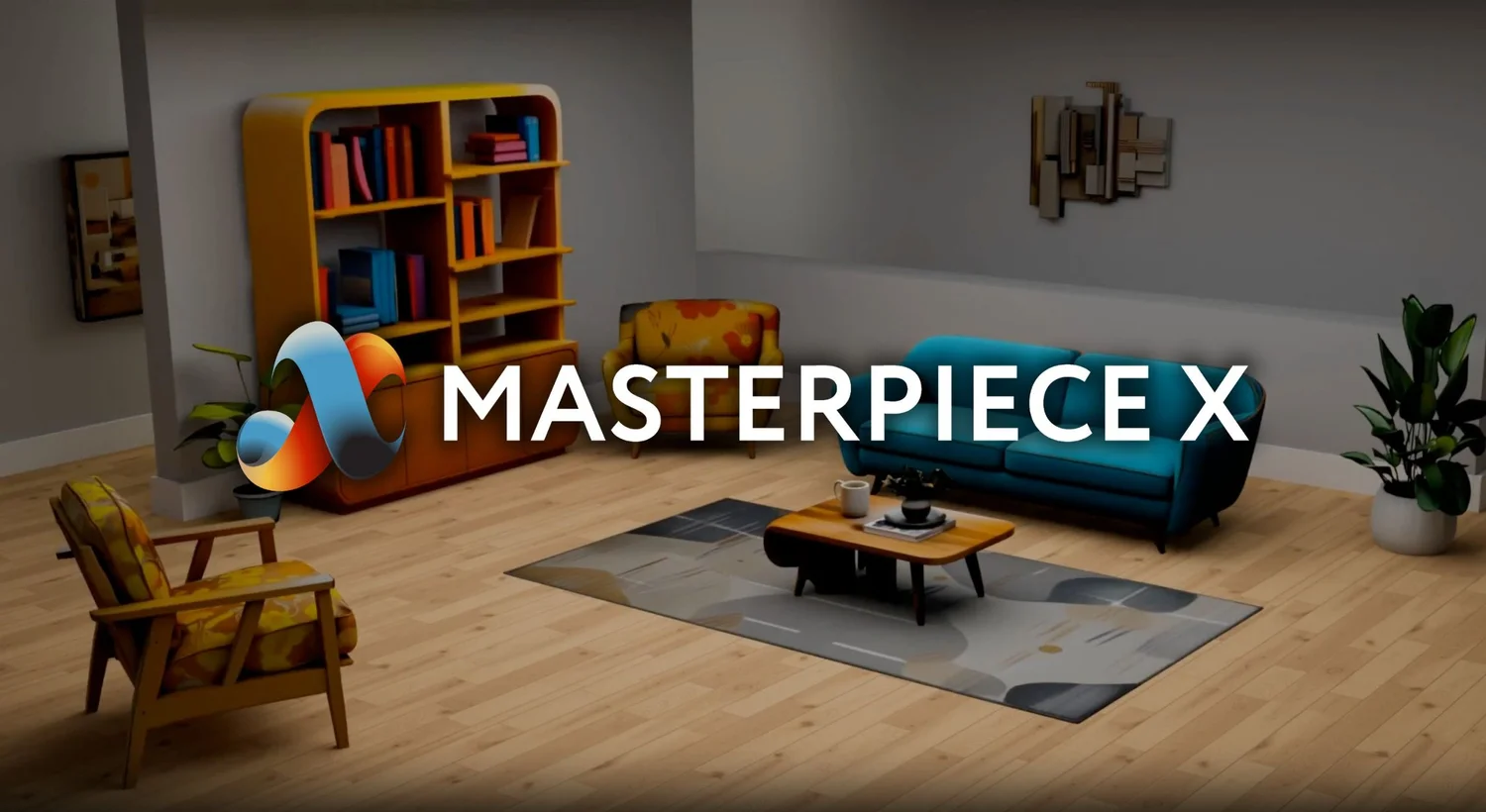
Masterpiece X

Generate and edit 3D models with AI-powered tools

Magic 3D

Fast, high-quality text-to-3D model generation

Luma AI

videos and 3D scenes from text or images.

Kaedim 3D

Convert 2D images into 3D models.

Hercules

Hercules is an AI-powered no-code builder

DraftAid

Automates 2D drafting from 3D models with AI.

DeepMotion

AI‑powered 3D character animation platform.

CSM AI

Generate 3D models and assets from images or text

Avaturn

Create realistic 3D avatars from selfies and body scans

Worth exploring us? Bookmark! so you don't forget the URL.

Stop testing random tools. 320+ AI tools for UI, branding, 3D, motion, illustration and more — curated and reviewed by designers who use them daily.

Frequently Asked Questions About AI 3D Design Tools

AI-Powered Design Tools for Creative Workflows, Layout & Prototyping

What is the best AI tool for 3D modeling?

The best AI 3D modeling tool in 2026 depends on your use case. For text-to-3D model generation, Meshy AI and Tripo Studio produce the most polished output. For image-to-3D conversion, Luma AI and CSM AI are the strongest options. For photogrammetry (scanning real objects), Polycam is the most accessible with excellent mobile app support. For game-ready character generation, Avaturn and Masterpiece X lead the field. Browse our full list of 20+ tools by use case to find the right fit for your pipeline.

Yes — image-to-3D is one of the most rapidly advancing capabilities in AI. Tools like Luma AI, Meshy AI, Tripo Studio, and CSM AI can convert a single image or a small set of reference photos into a textured 3D model within minutes. The quality varies: simple objects with clear silhouettes (products, vehicles, furniture) produce much cleaner results than complex organic forms (trees, fabric, faces). Most tools export to OBJ, GLB, or FBX — compatible with Blender, Cinema 4D, Unity, and Unreal Engine.
Increasingly, yes — with caveats. AI-generated 3D models are now used in professional pipelines for concept visualization, prototype presentation, game asset prototyping, and e-commerce product rendering. However, for final production assets that require precise topology, clean UV maps, and specific polygon counts (game assets, film VFX, engineering), AI output still requires significant manual cleanup. The best professional workflow: use AI to generate the base mesh quickly, then refine in your primary 3D software.

The best free AI 3D tools are: Spline (free for public projects — excellent for interactive 3D web design), Meshy AI (free tier for basic model generation), Luma AI (generous free tier for 3D capture and generation), Blender (free and open-source, with growing AI plugin ecosystem), and Polycam (free tier for basic photogrammetry). For serious 3D work, the free tiers are good for evaluation but most professional workflows require a paid subscription.

Text-to-3D AI works by translating a natural language description into 3D geometry and textures. The current state-of-the-art approaches combine: (1) a text-to-image model that generates multiple reference views of the object from different angles, and (2) a 3D reconstruction model that combines these views into a consistent 3D mesh. Tools like Meshy AI, Tripo Studio, and Shap-e use variations of this approach. Output quality depends on how specifically the prompt is written — “a low-poly wooden chair with four legs and a curved back” produces significantly better results than “a chair.”

Yes, though with important preparation steps. AI-generated models typically need: mesh cleanup (removing non-manifold geometry and smoothing problem areas), UV unwrapping verification (ensuring textures map correctly), polygon optimization (decimating high-poly meshes for real-time game use), and material refinement (AI textures are often a good base but may need manual PBR material work). For product renders, AI models are often sufficient as-is — especially when rendered with an AI lighting tool like Keyshot. For game assets, plan for 1–2 hours of cleanup per generated model.

AI 3D generation creates a 3D model from a text description or a single reference image — the AI is synthesizing geometry it hasn’t directly observed. Photogrammetry captures geometry from a real-world object or space using multiple photographs taken from different angles — the AI is reconstructing something that physically exists. Photogrammetry (tools like Polycam and RealityScan) produces more accurate real-world geometry; AI generation (tools like Meshy AI and Tripo Studio) is faster and works without physical access to the object.

Yes. Most AI 3D tools export to formats compatible with Blender: OBJ, FBX, GLB/GLTF, and STL. Several tools also offer direct Blender plugins or integrations. Blender itself has a growing ecosystem of AI-powered add-ons for tasks like: automatic UV unwrapping, AI-assisted rigging, texture generation (using Stable Diffusion), and mesh cleanup. The Blender + AI 3D tool workflow is currently the most common approach among independent 3D artists and designers who want to use AI generation while maintaining full control over the final asset.

Get New AI design tools Update in your inbox, every Monday.

Get New AI design tools Update in your inbox, every Monday.

You have searched for...

Topaz Photo

Maximize Your Image Quality With AI-Powered Sharpening, Noise Reduction, and Upscaling

Related products

Magnific AI

Upscale, enhance, and transform

Krea AI

Generate and enhance creative

PicMonkey

Photo Editing and Graphic